Colorize a black and white photo
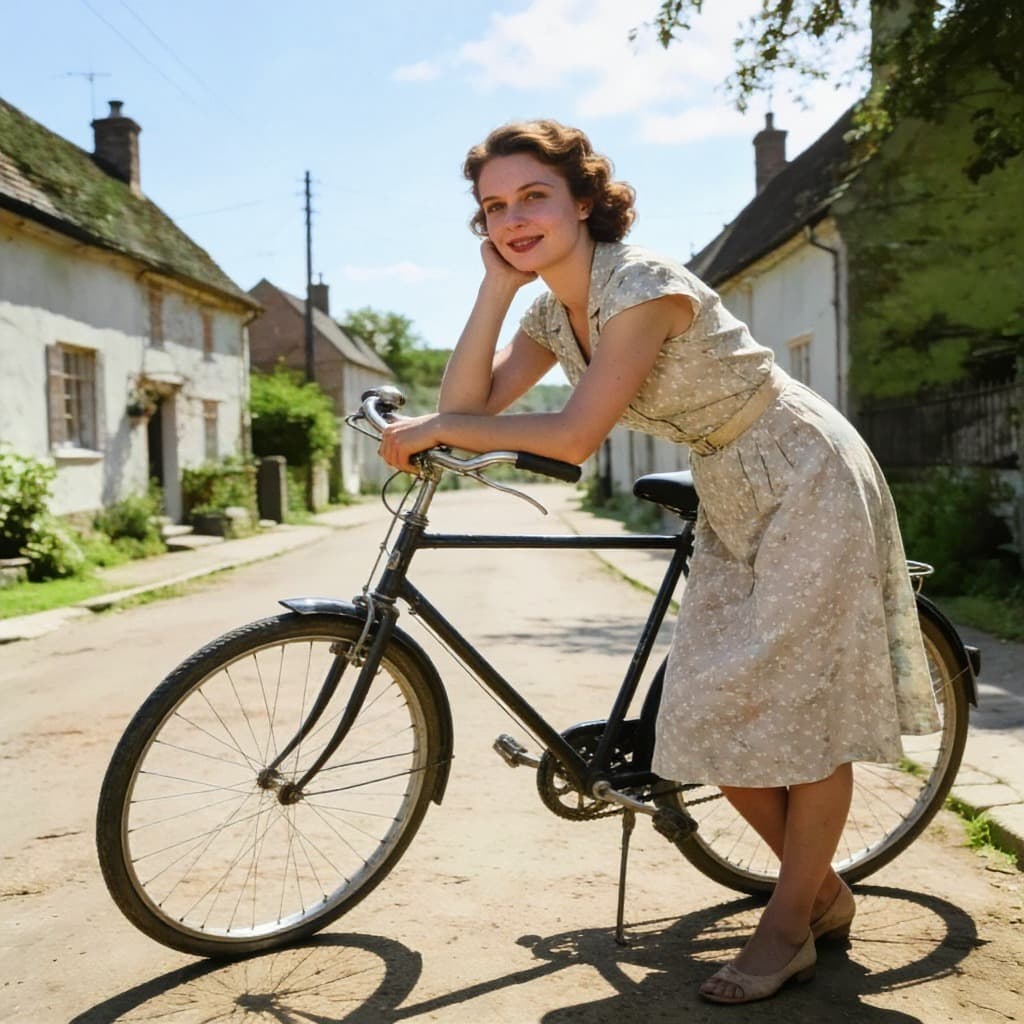
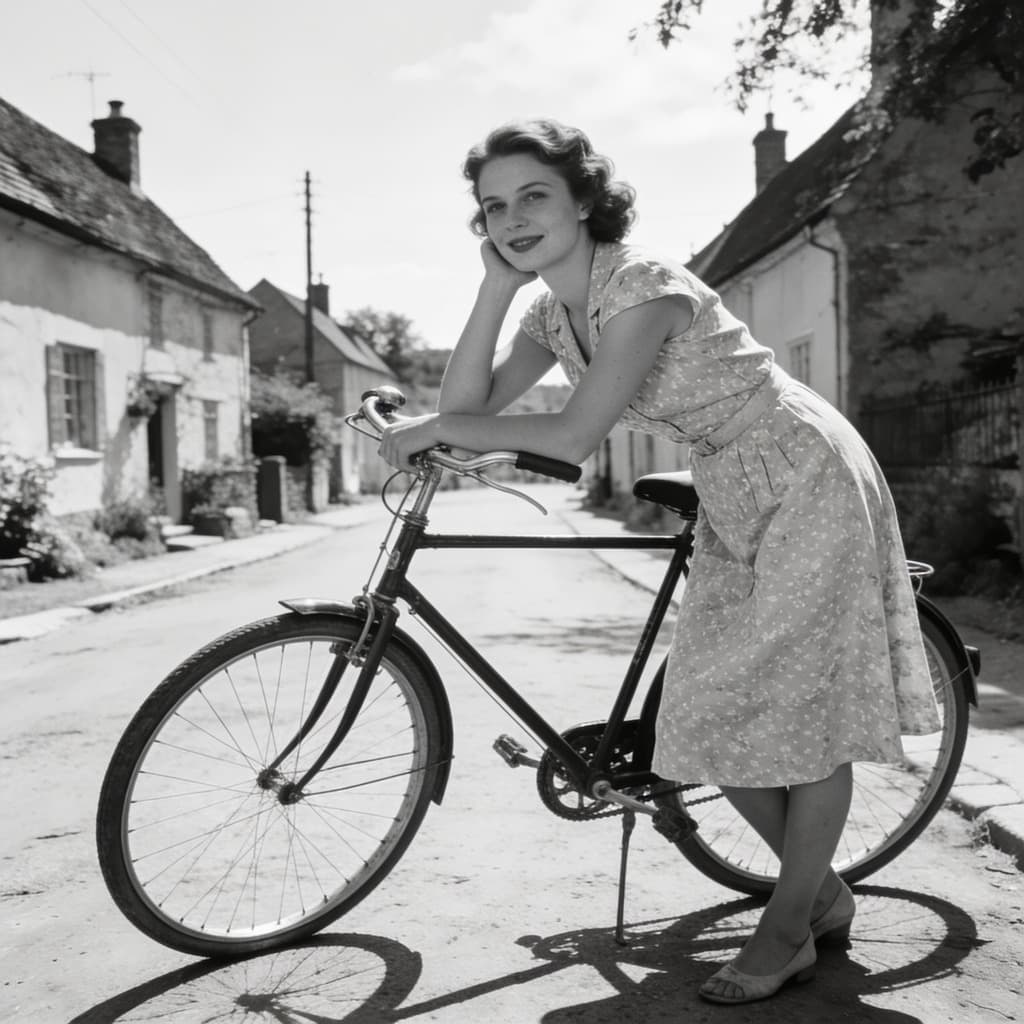
Drop a black and white photograph in and get it back in colour — skin, cloth, wood and sky given the shades they would have had, and nothing else about the picture touched.
Common questions
- Are the colours the real ones?
- They are plausible, not documented. The model knows what skin, grass, brick and a 1950s coat usually look like, and that is what it puts back. Where the true colour matters — a uniform, a flag, a particular dress — treat the result as a starting point.
- Does it change anything else?
- It is asked for colour and nothing else: the framing, the grain and the detail stay as they were. If the print is also damaged, run it through the restoration tool first and colour the result.
- How many photos a day?
- Three without an account. A free account lifts the limit and each photo costs one credit.
- What about a sepia photograph?
- That works as well as a grey one. Sepia is a single tone over the same grey values, and the model reads through it.
More tools
- Image upscalerMake a small picture larger without it going soft.
- Background removerCut the subject out and keep real transparency.
- Old photo restorationTake out scratches, creases and dust.
- Object removerPaint over something and have it taken out.
- Image resizerSet a width or a height, or pick a ready-made size for Instagram, LinkedIn and YouTube.
- Image cropperDrag a crop box, or lock it to a square, 16:9 or a story format.
- Image converterJPG, PNG and WebP, in any direction, with HEIC and AVIF read as well.
- Image compressorMove the quality slider and see the file size before and after.
- HEIC to JPGTurn iPhone photos into a JPG that opens everywhere.
- HEIC to PNGTurn iPhone photos into PNG, with every pixel kept as it is.
- Image combinerPut two pictures into one scene.