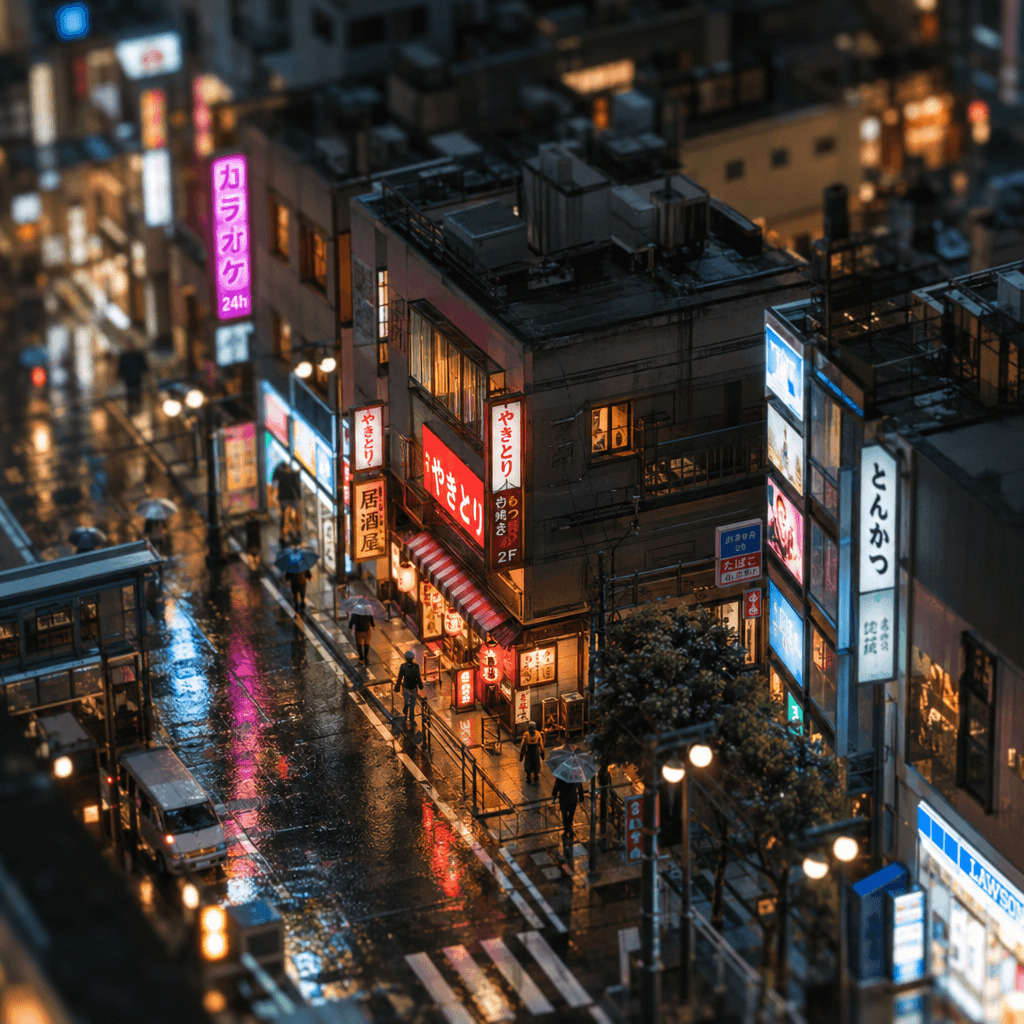
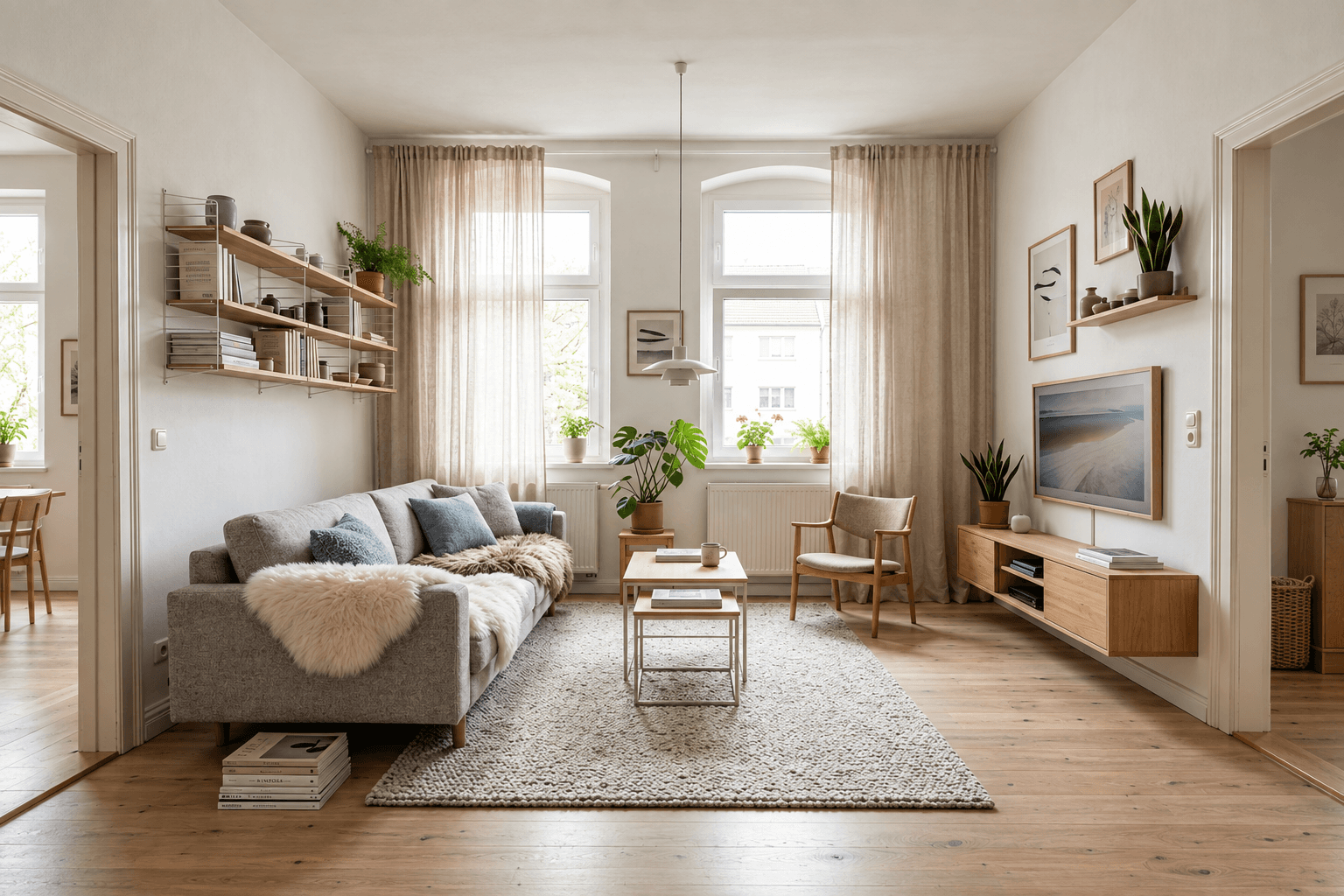
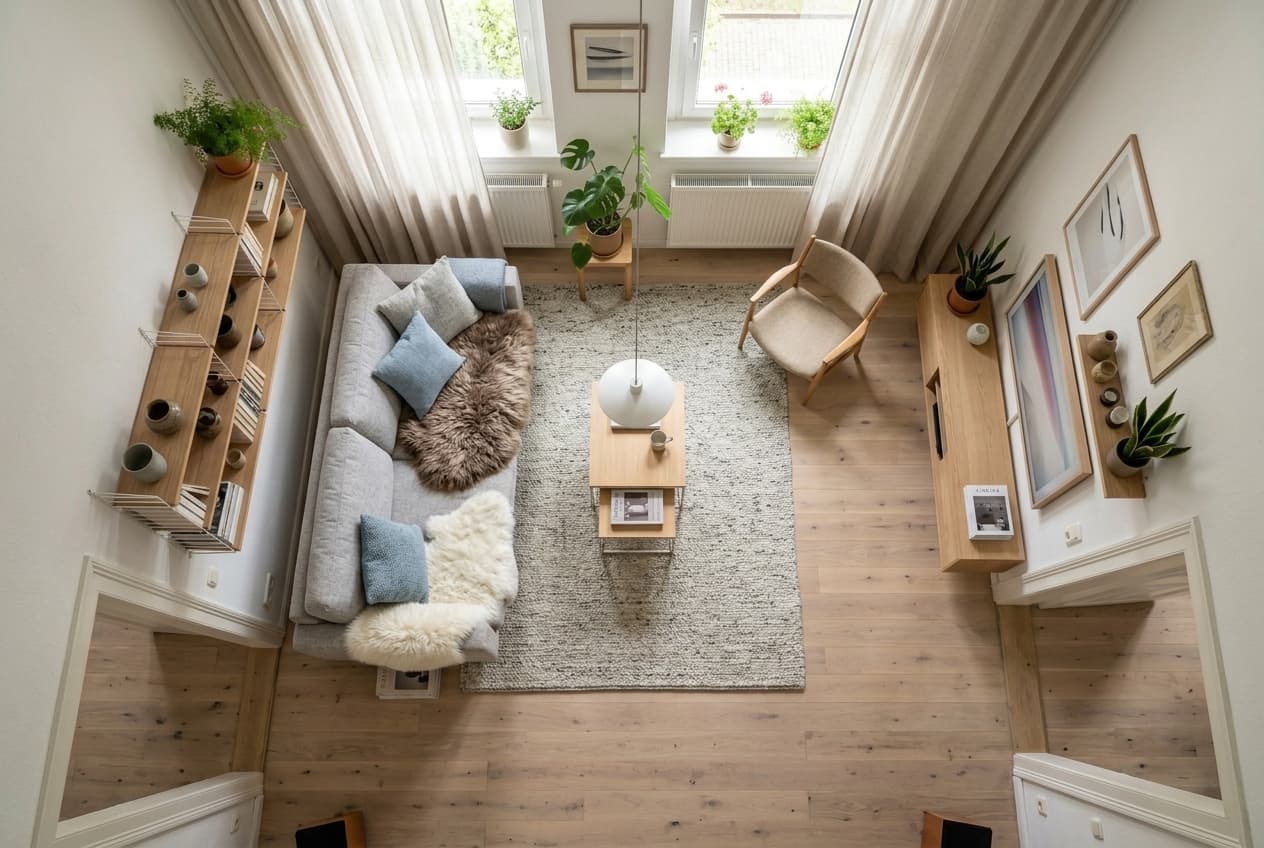
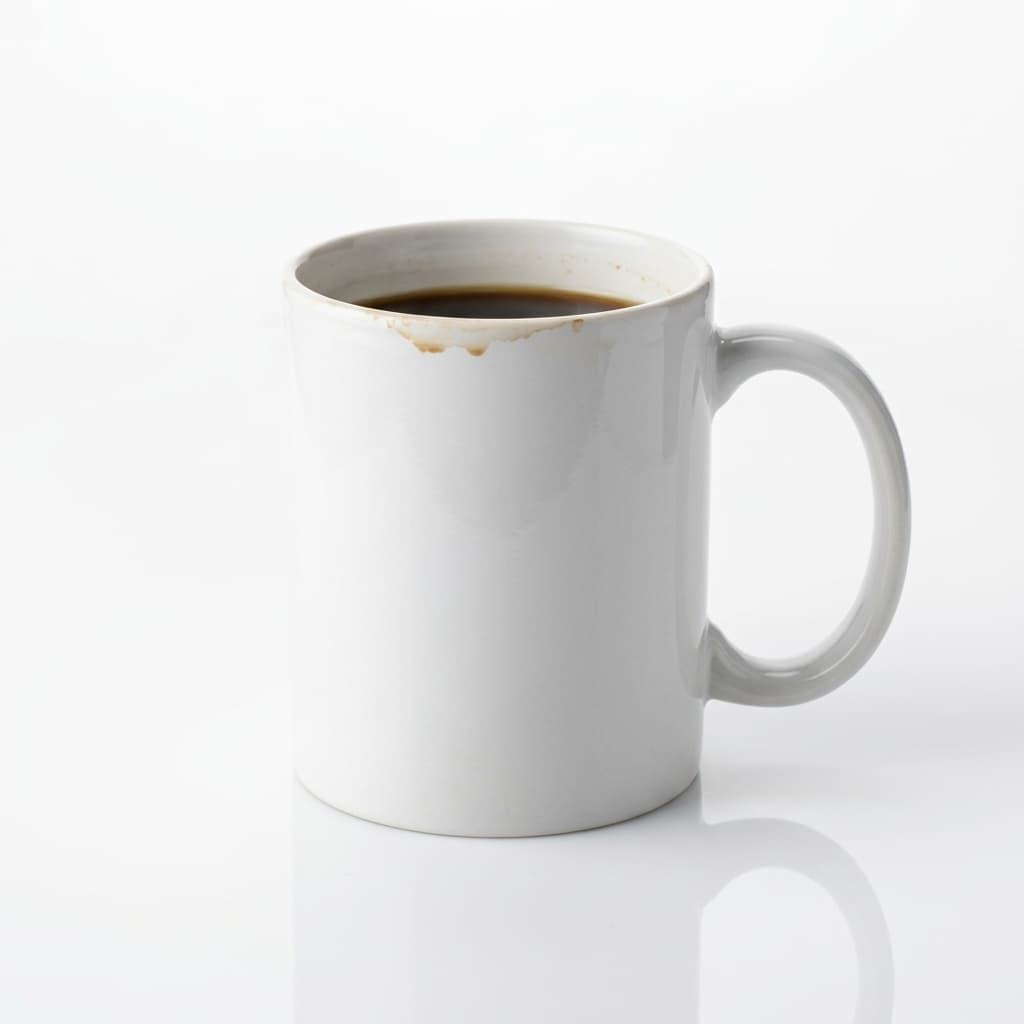
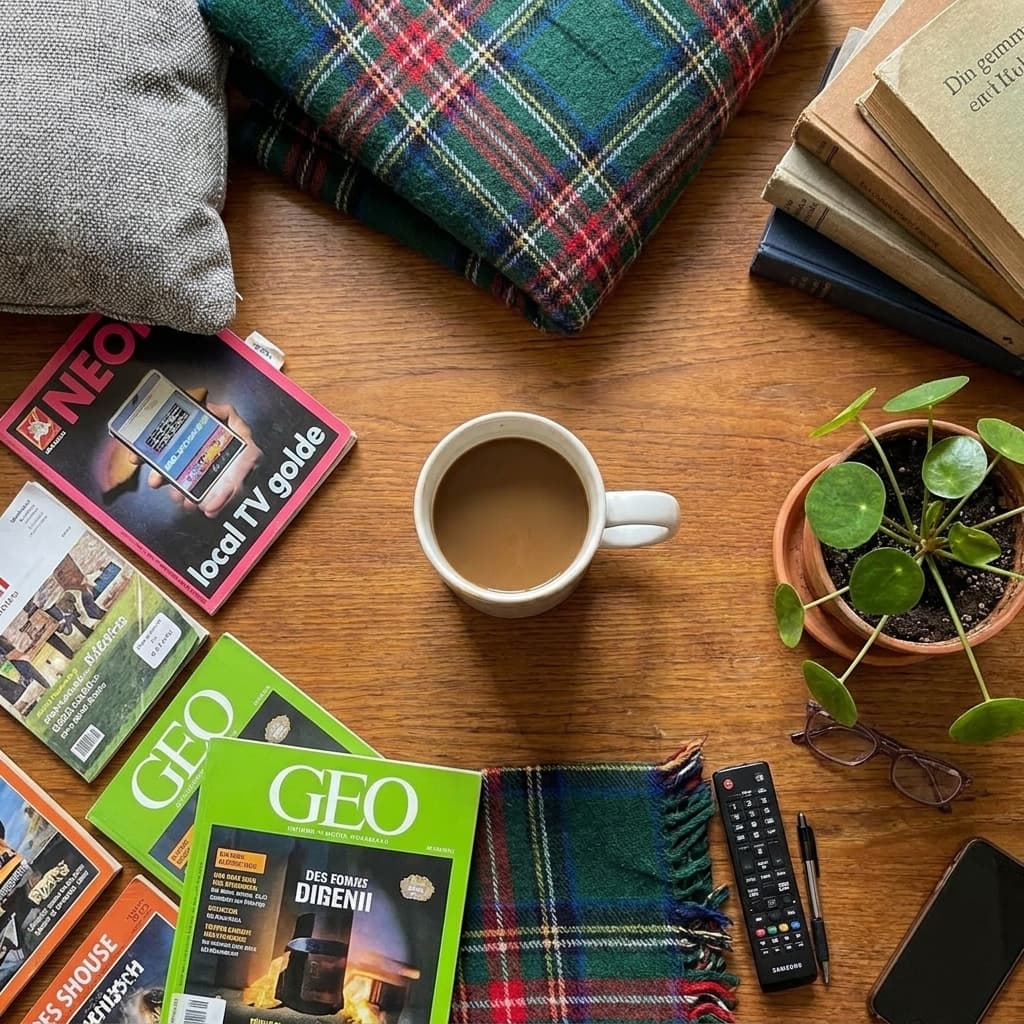
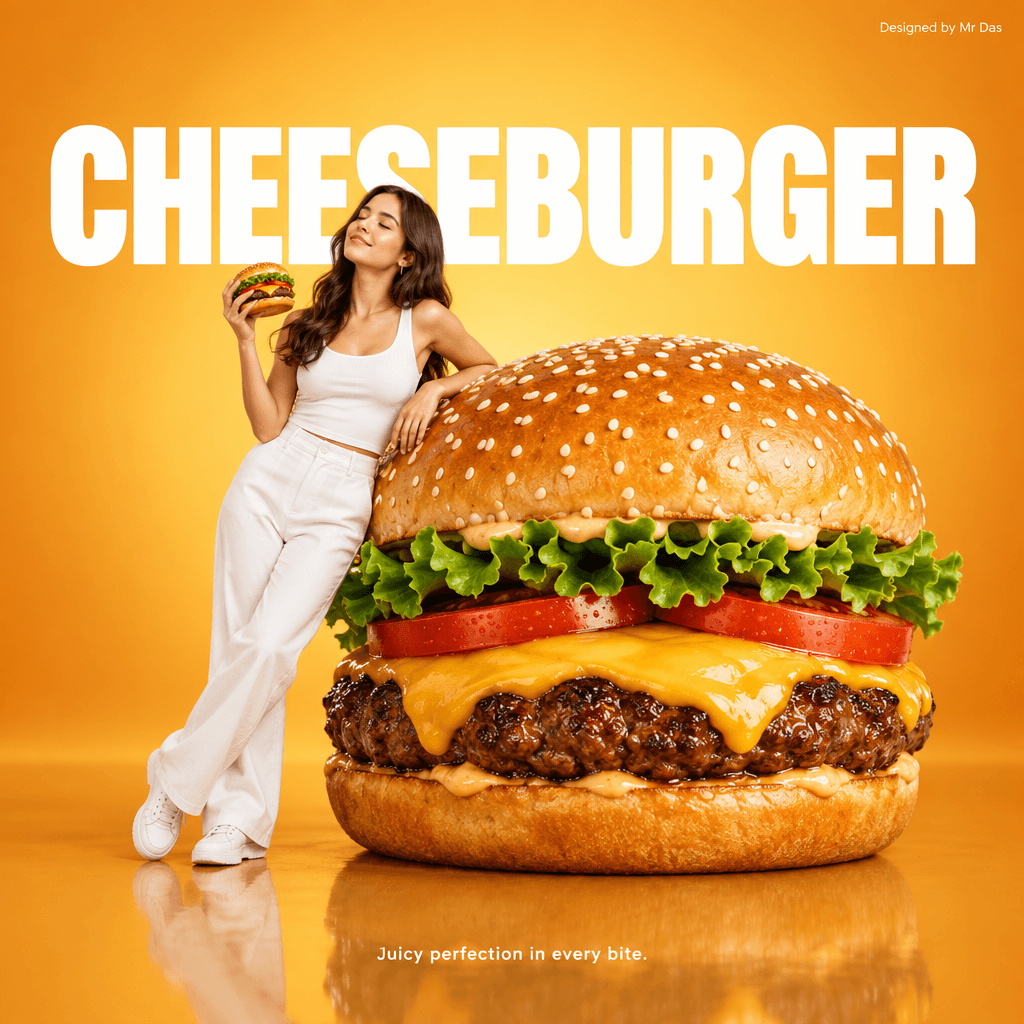
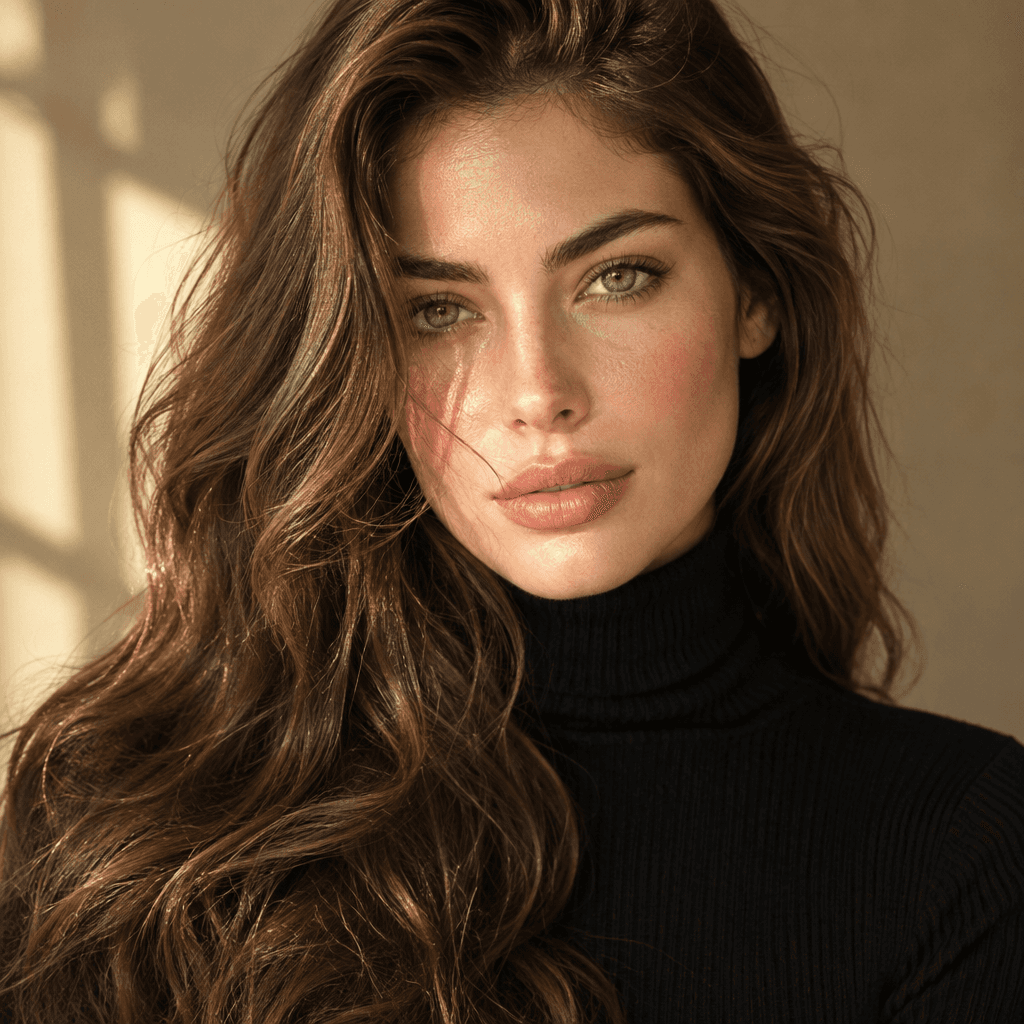
Example prompt: A lemon still life on linen, soft window light, photorealistic
Create, edit and reshoot images with the best AI models.
Start from a prompt, a template, a photo or a rough sketch. Pick the model that suits the job and get a finished image in seconds.
New accounts start with 10 free credits · No subscription
Showcase
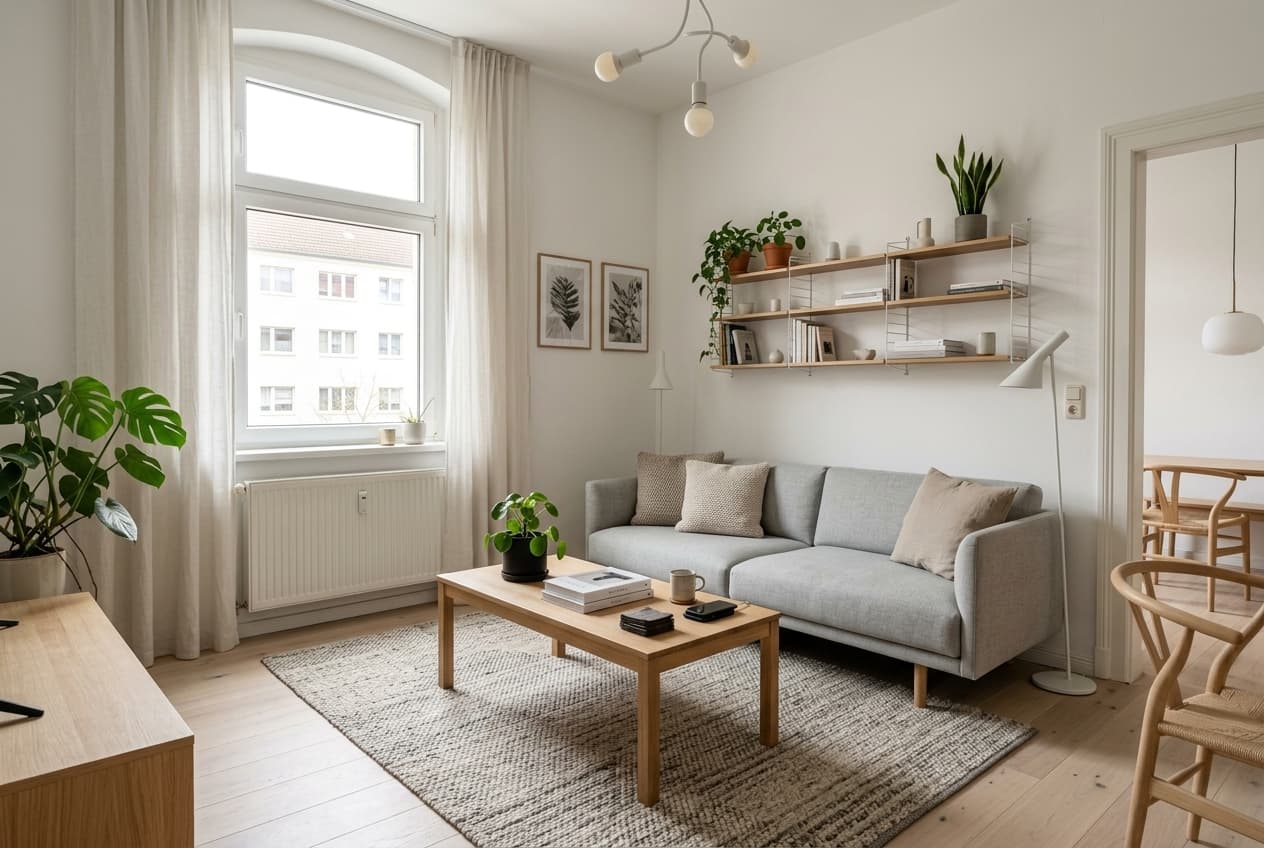
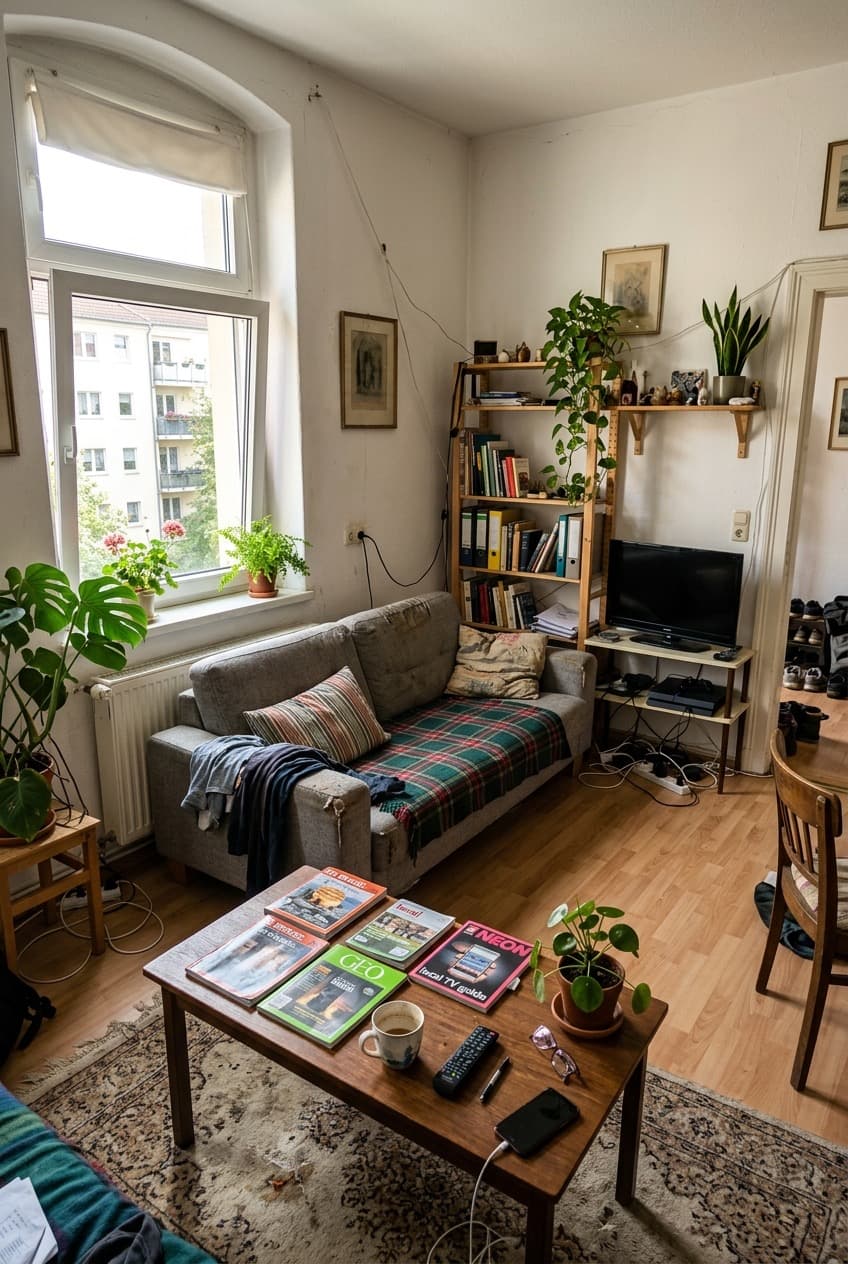
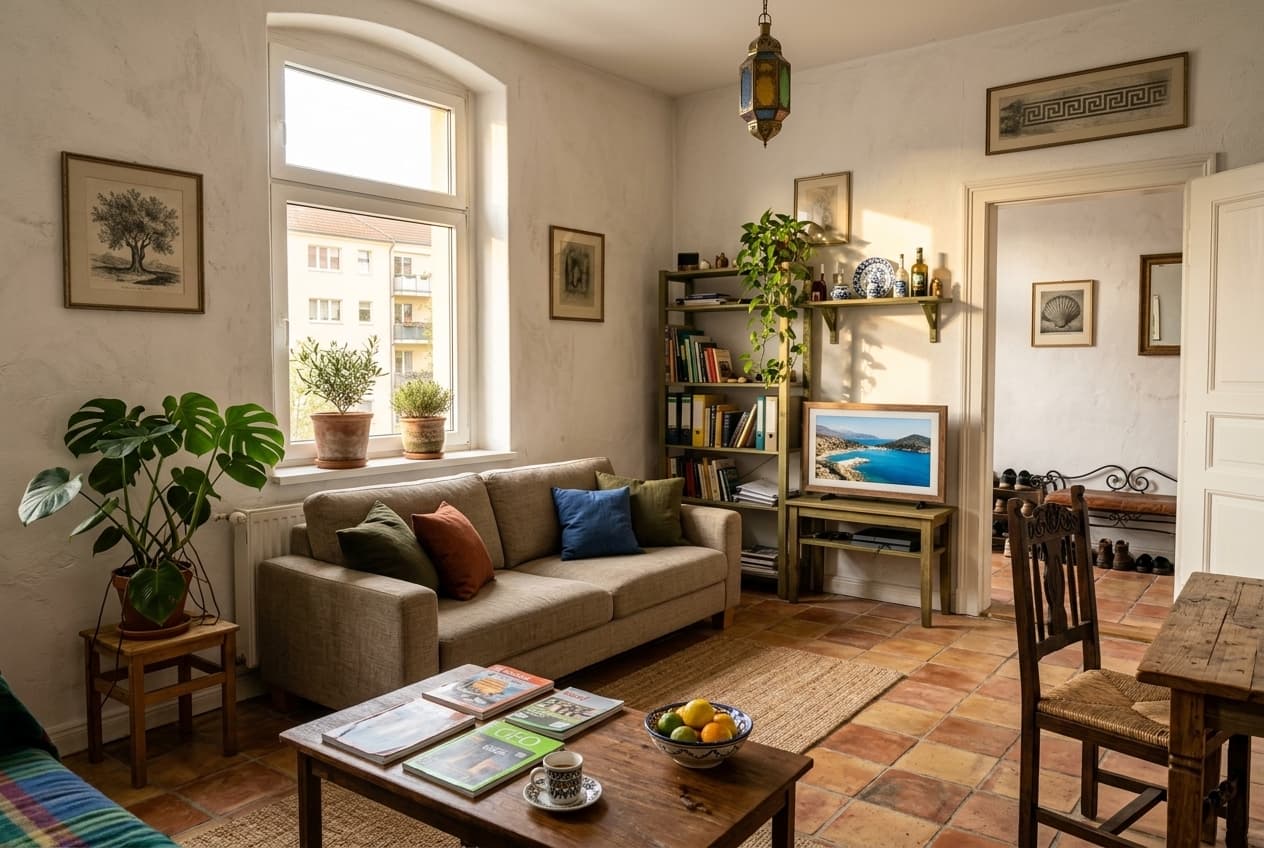
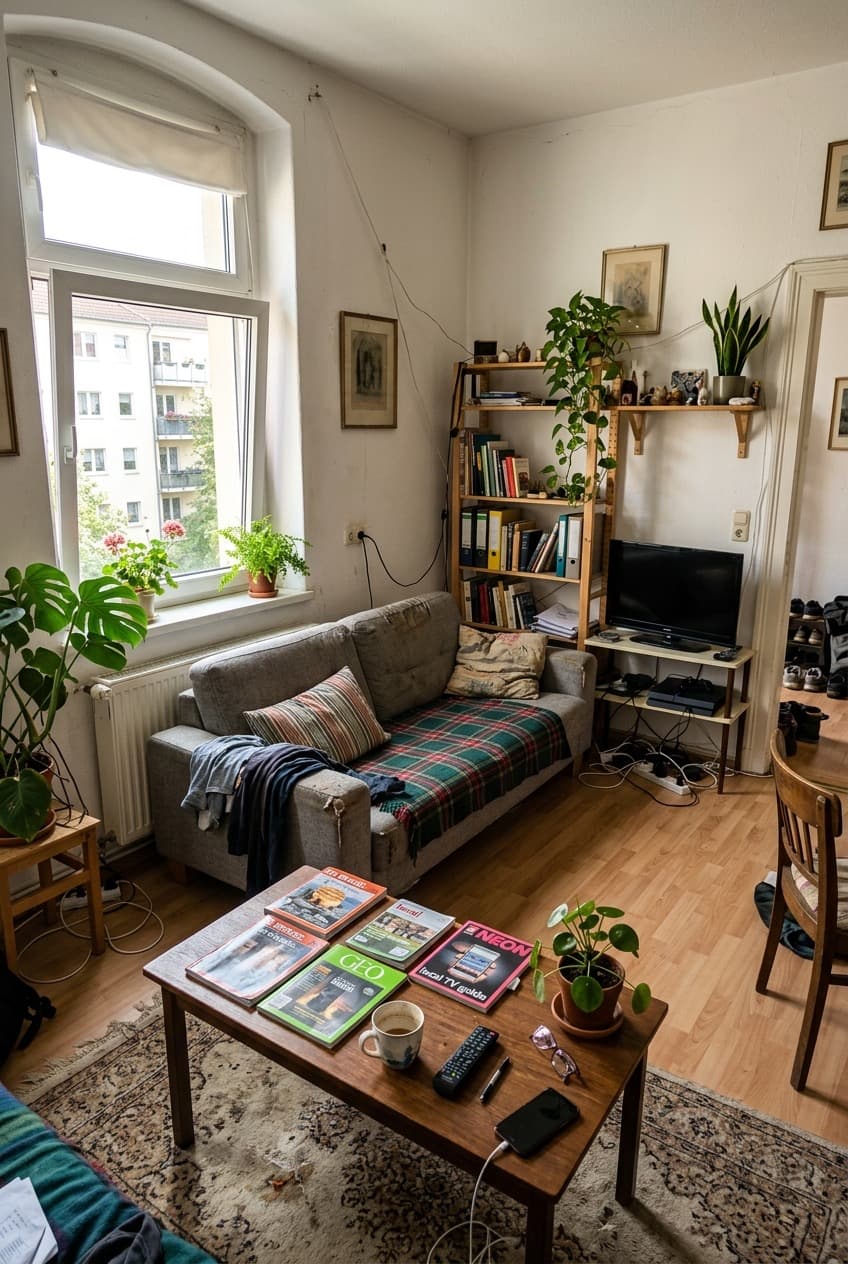
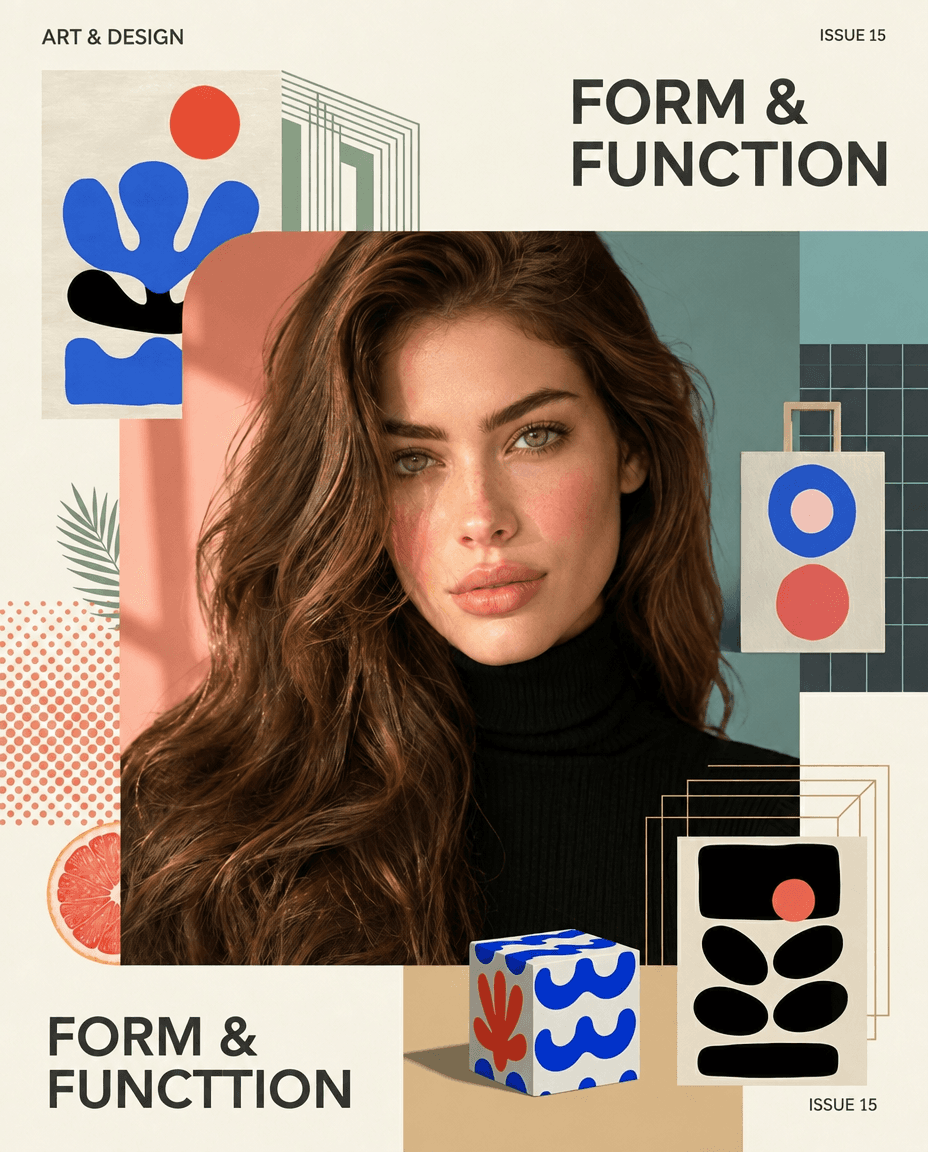
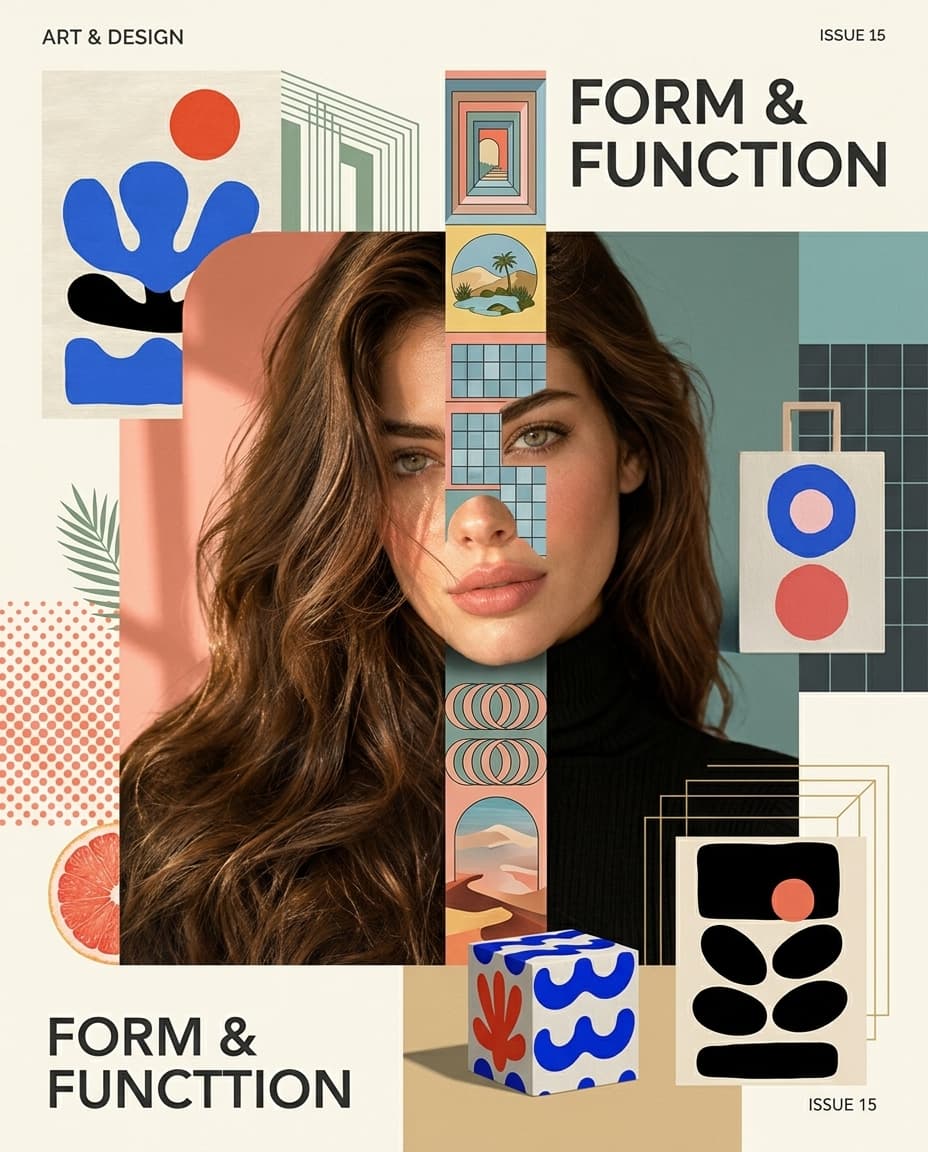
Before and after, one prompt apart
Drag the handle to compare what went in with what came out.
Features
One studio, every kind of edit
Generate from scratch or start from an image you already have.
Generate
Describe any image, or fill in a template, and generate it in square, landscape or portrait.
Edit with mask
Paint over the part to change and say what belongs there. Everything else stays as it was.
Sketch to image
Draw a rough layout, pick a style and get a finished image that follows your composition.
Expand
Extend a photo beyond its edges to a new aspect ratio. The scene carries on seamlessly.
Change angle
See the same scene from the left, from above or as a drone shot, without a reshoot.
Multiple references
Add several reference images to guide the style, the materials or the objects in the scene.
How it works
How AvPad works
Three steps from an idea to an image you can use.
Step 01
Write a prompt or pick a template
Describe what you want in your own words, or start from one of 9 templates that write the prompt for you.
Step 02
Choose model and style
Pick one of 8 models for speed, fine detail or precise edits, then set the style and aspect ratio.
Step 03
Download and use
Download the image, or keep going: edit it, expand it or use it as the reference for your next one.
Models
Every model, one prompt
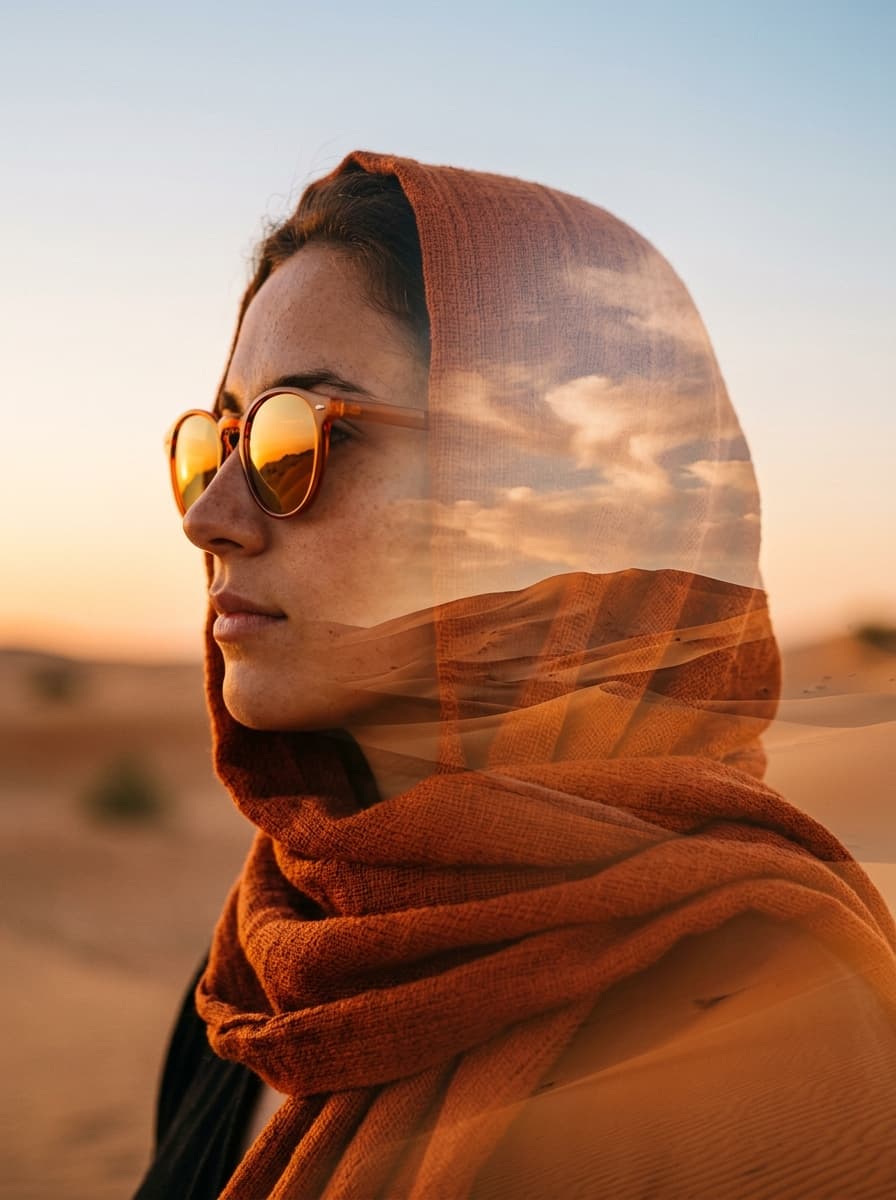
The same prompt, rendered by each of the 8 models in AvPad. Switch models any time from the prompt bar.
“A small bookshop window on a rainy evening, warm light inside, a hand-painted sign that reads ‘Open Late’”
Fast and affordable
Google
Nano Banana 2 Lite
The fastest. Good for drafts and quick variations.
1 credit per image at 1K · 1K only

Google
Nano Banana 2.1
The everyday all-rounder and AvPad's default, with cleaner text and panoramic shapes up to 8:1.
1 credit per image at 1K · 3 credits at 2K
Google
Nano Banana 2
The previous everyday model, being retired: Nano Banana 2.1 takes its place.
1 credit per image at 1K · 3 credits at 2K
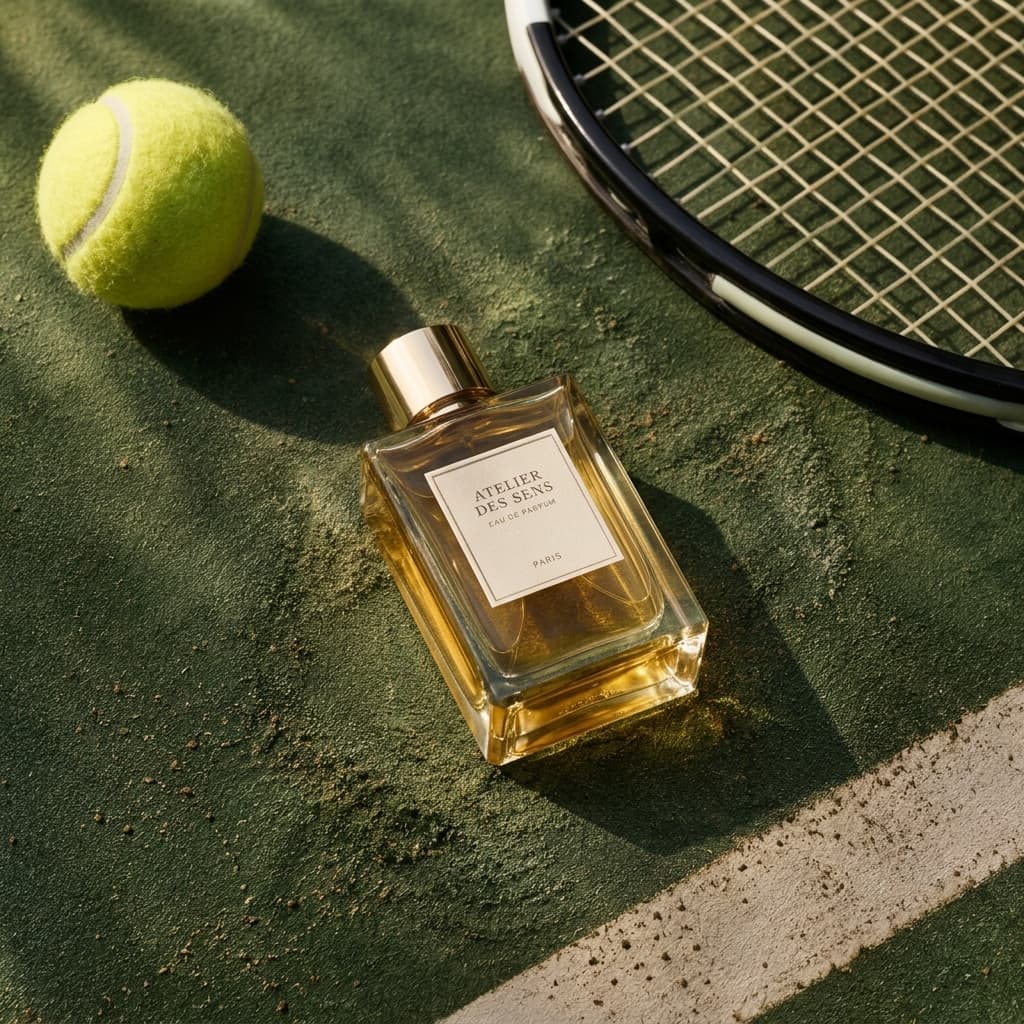
OpenAI
GPT Image 2.5 Flare
Balanced quality and speed, and paints with masks.
1 credit per image at 1K · 3 credits at 2K

Alibaba
Qwen Image 3
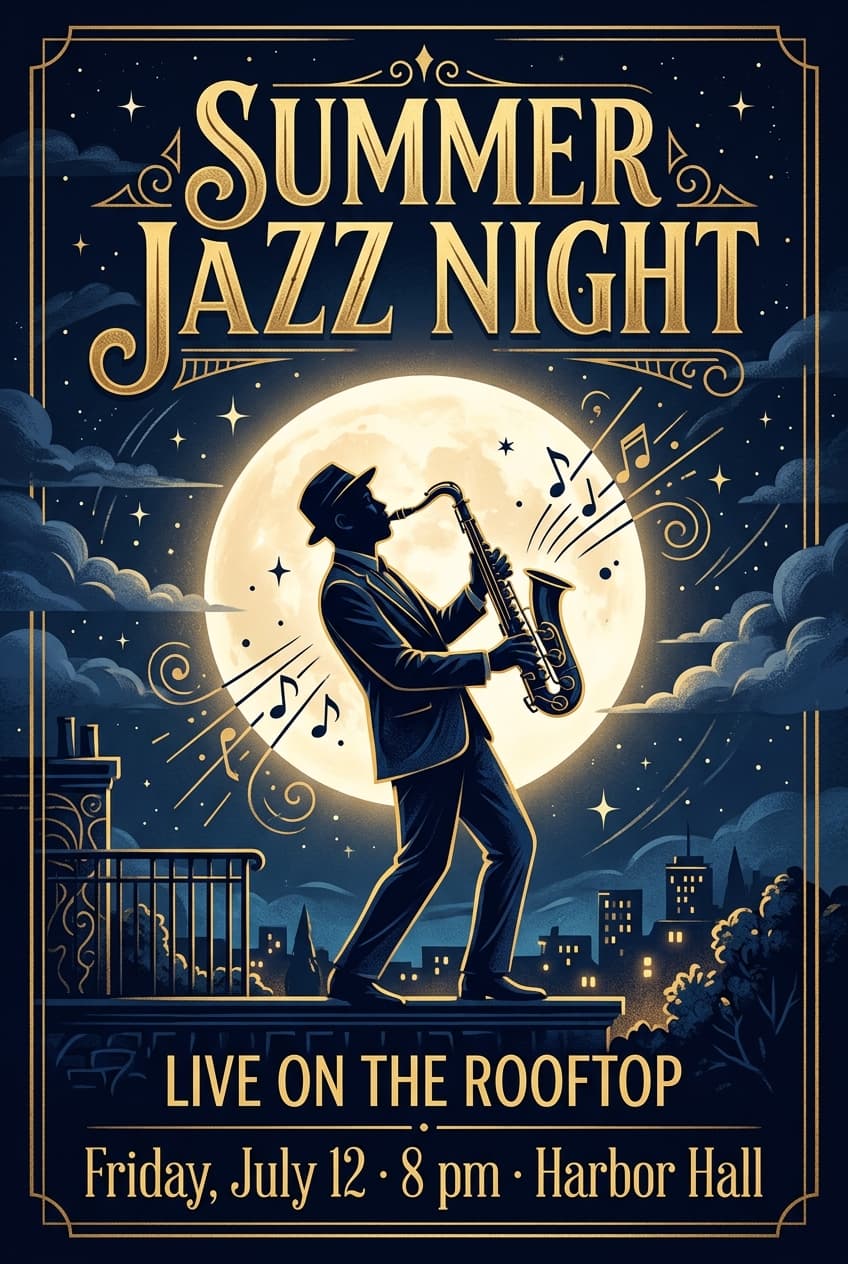
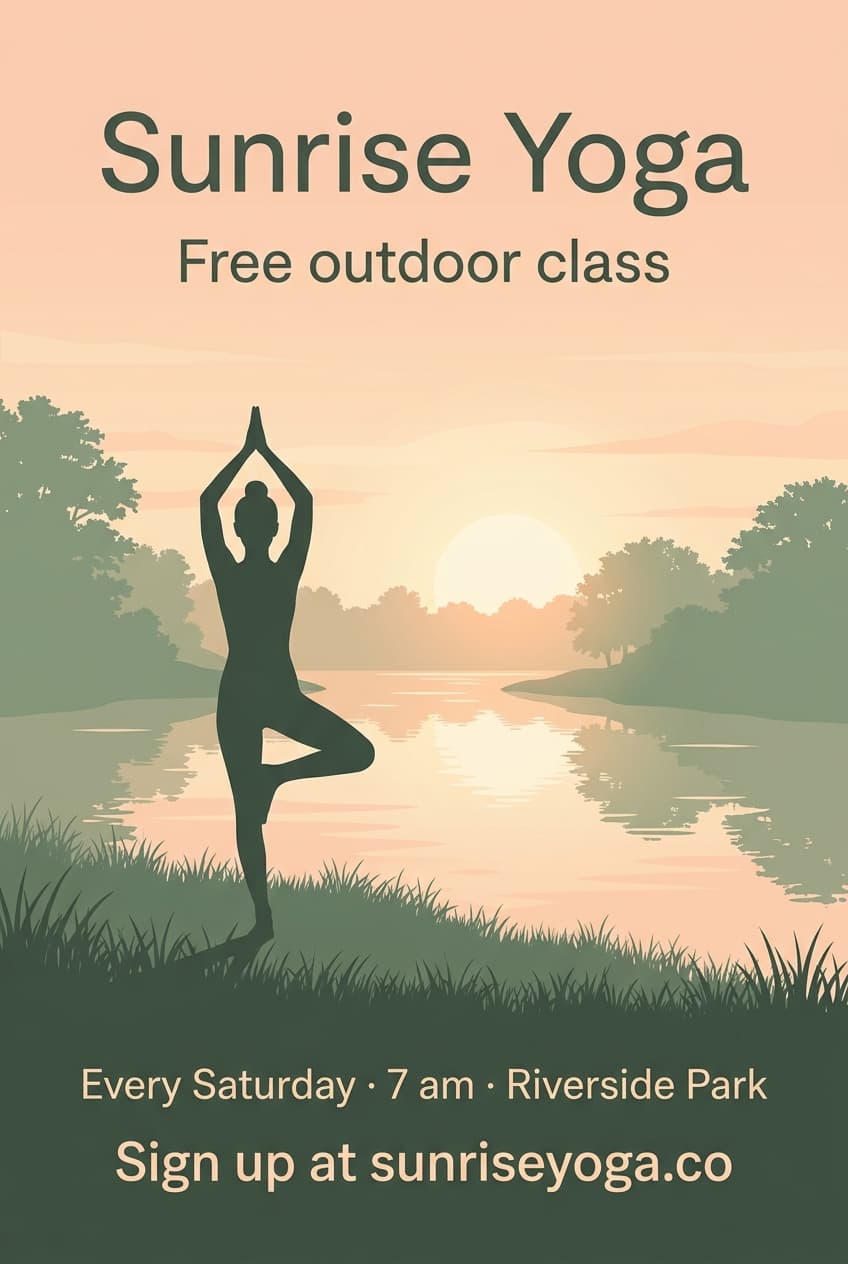
Accurate text in the picture, for posters, flyers and logos.
1 credit per image at 1K · 1K only
Highest quality

ByteDance
Seedream 5 Pro
ByteDance's flagship: photographic and sharp, and it puts up to ten pictures into one scene.
1 credit per image at 1K · 3 credits at 2K
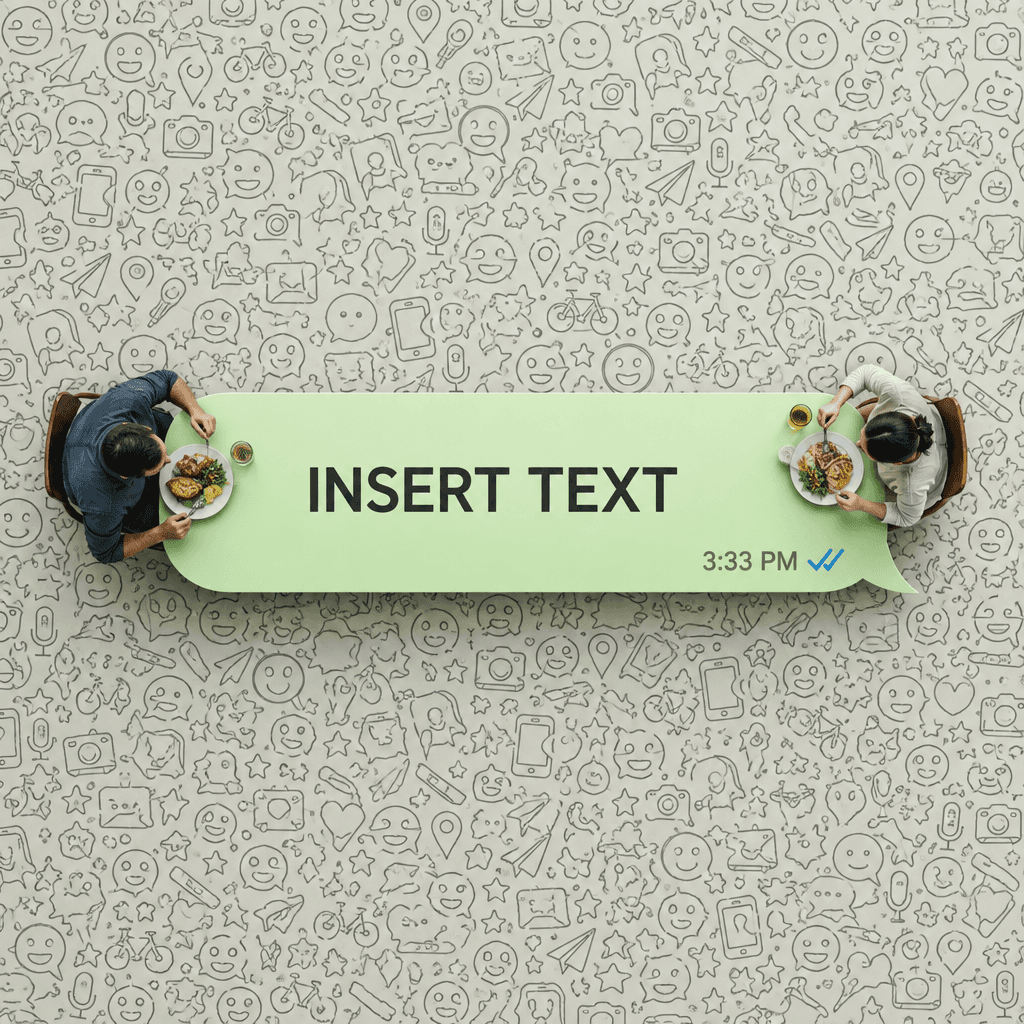
Google
Nano Banana Pro
Nano Banana at its best, with crisp text and fine detail.
3 credits per image at 1K · 5 credits at 2K
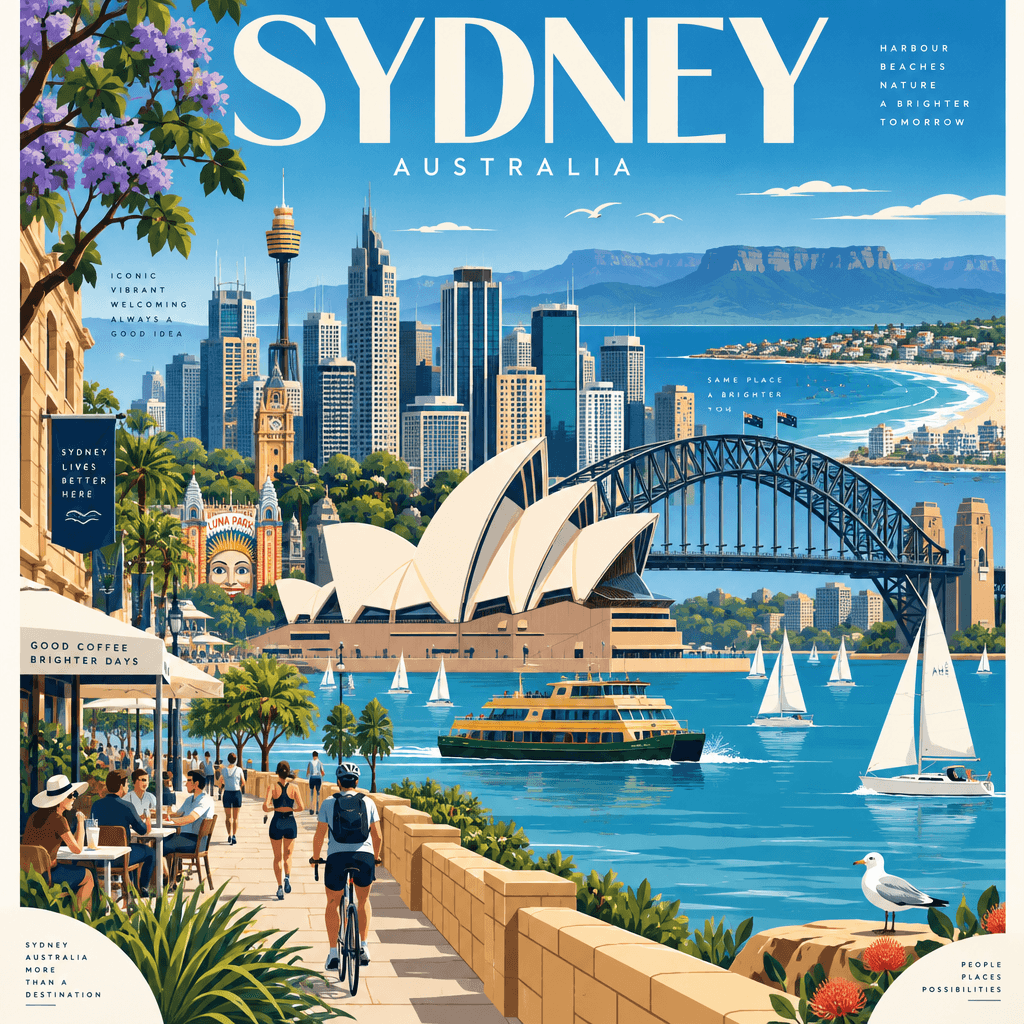
OpenAI
GPT Image 2.5 Sunburst
The most precise edits, at a slower pace.
3 credits per image at 1K · 5 credits at 2K
Templates
Start from a template
Each one asks for a few details, like a brand name or a setting, and writes the prompt for you.
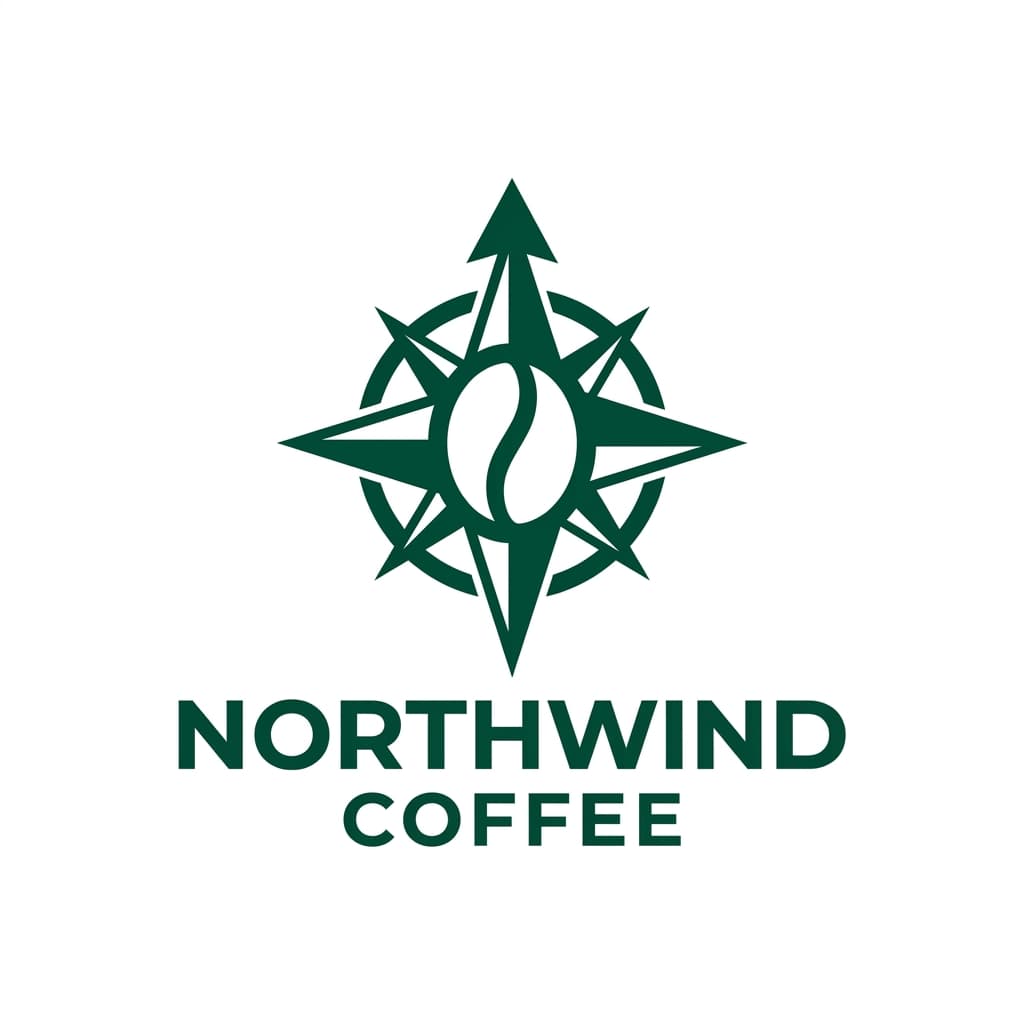
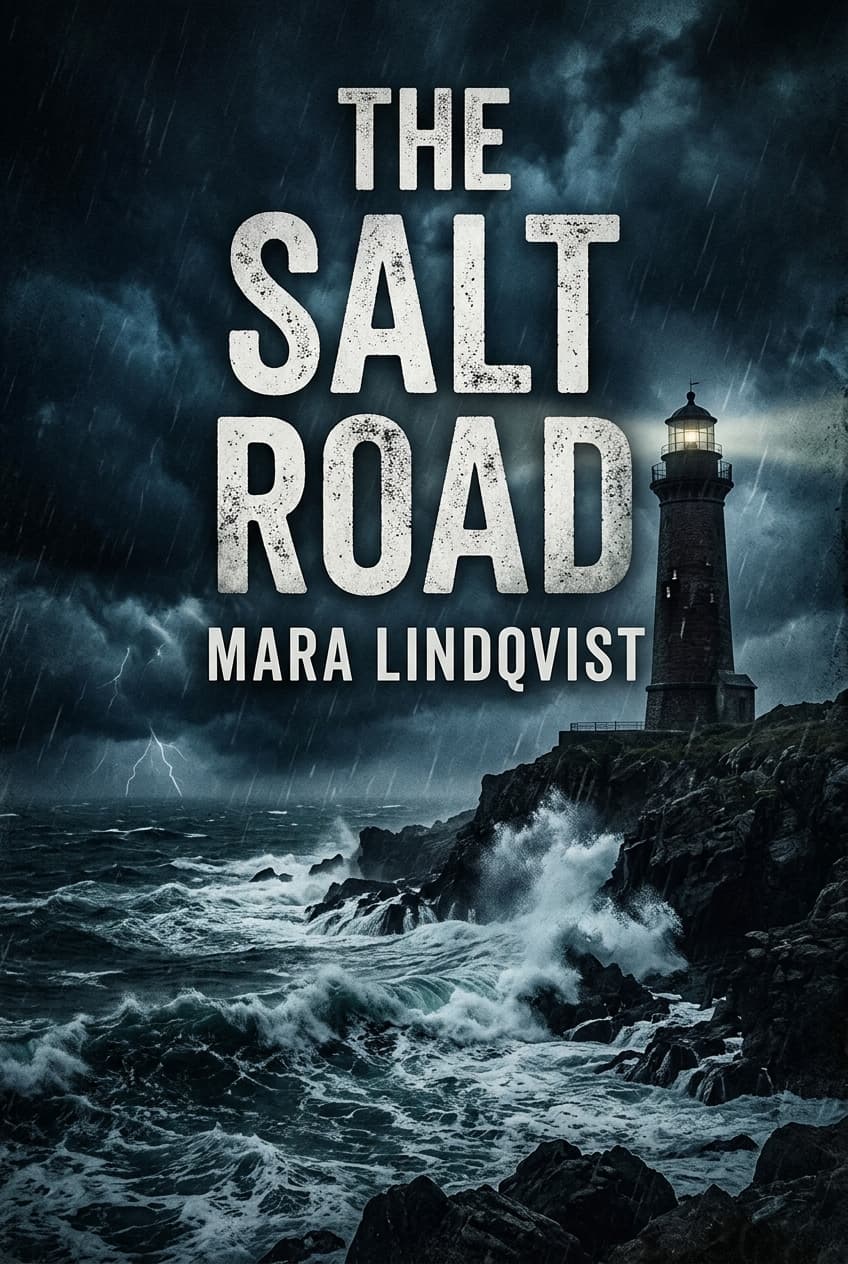
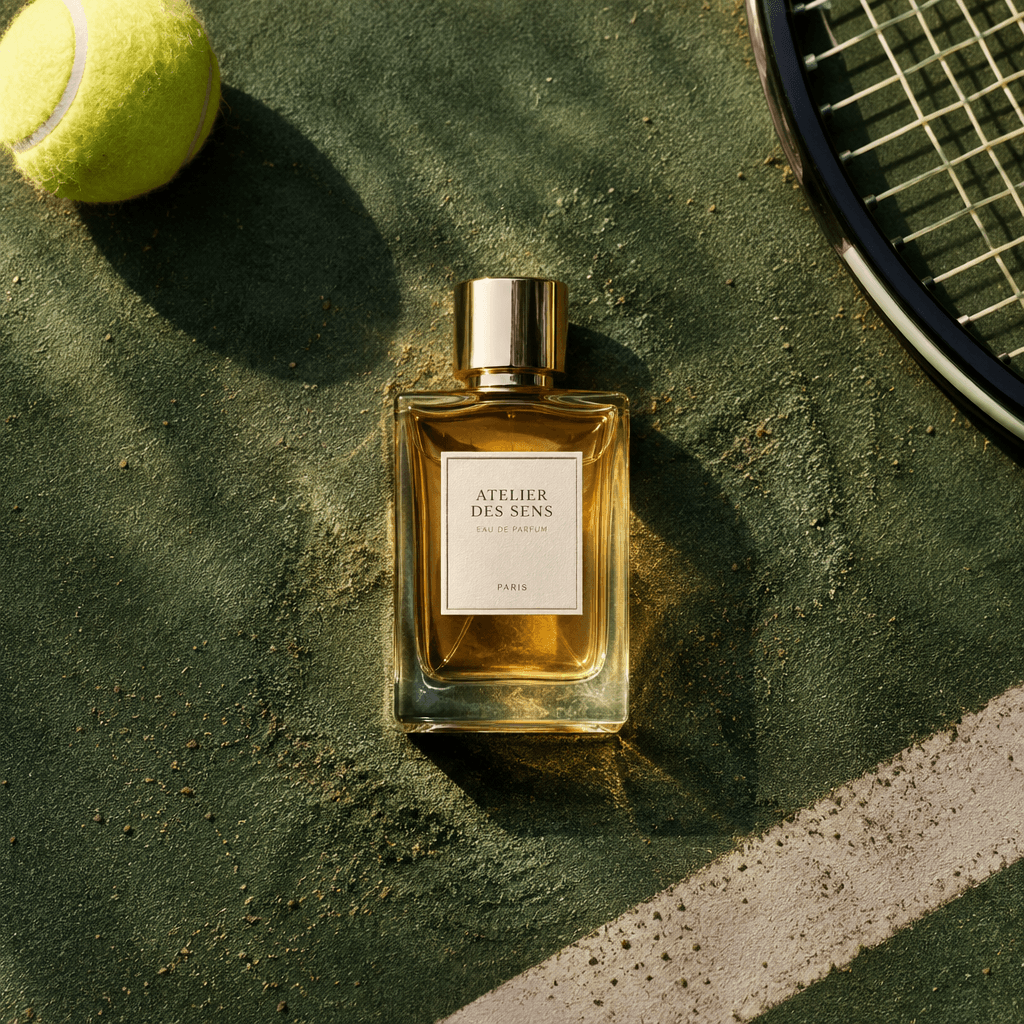
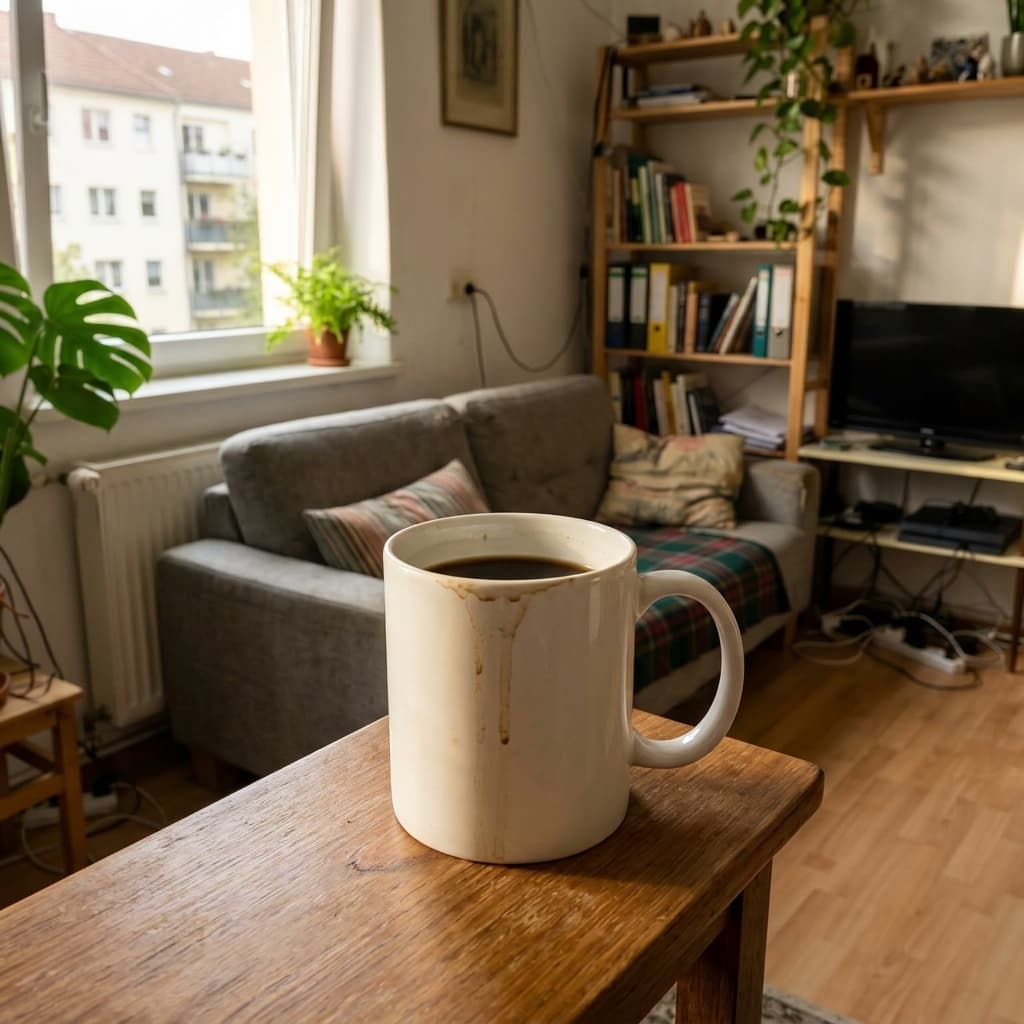
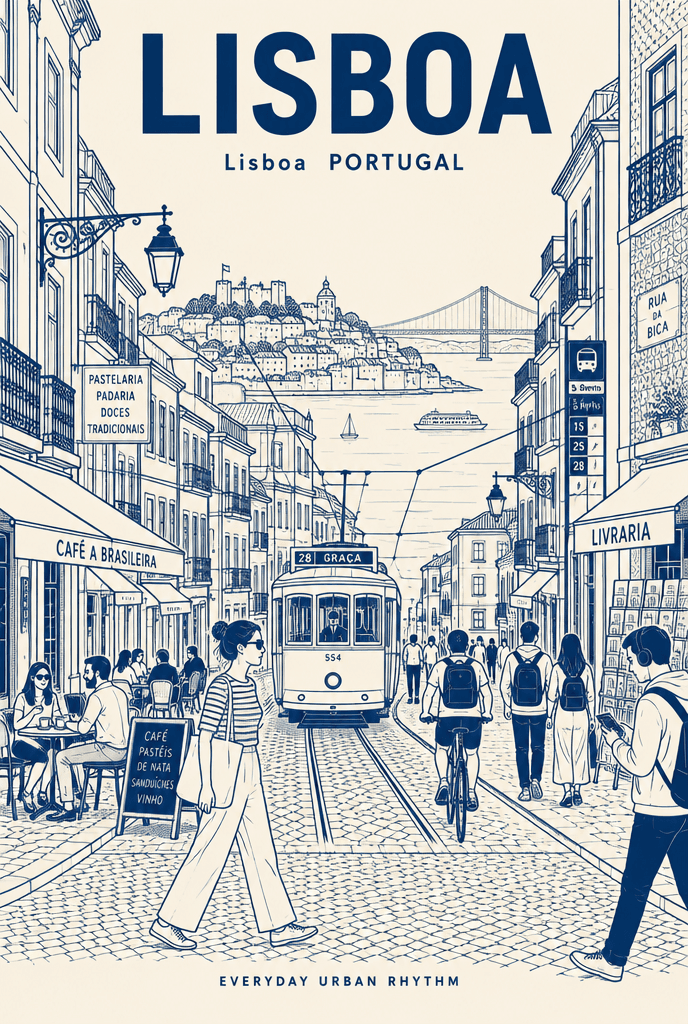
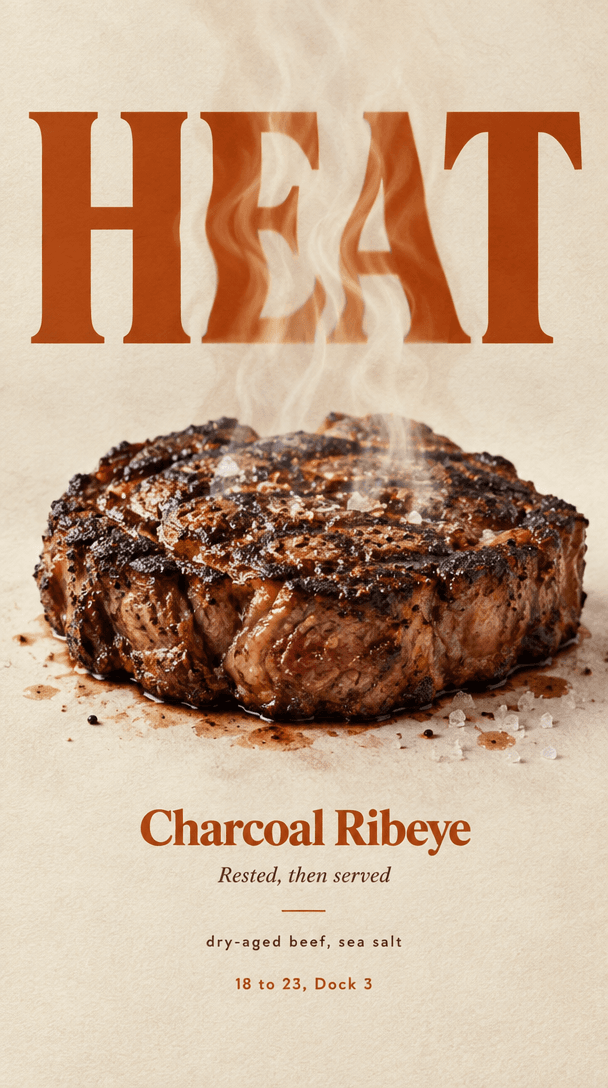
Food reveal poster
Real food changes how the headline is seen: rolled thin, soaked, heat-bent or diffused
Try it →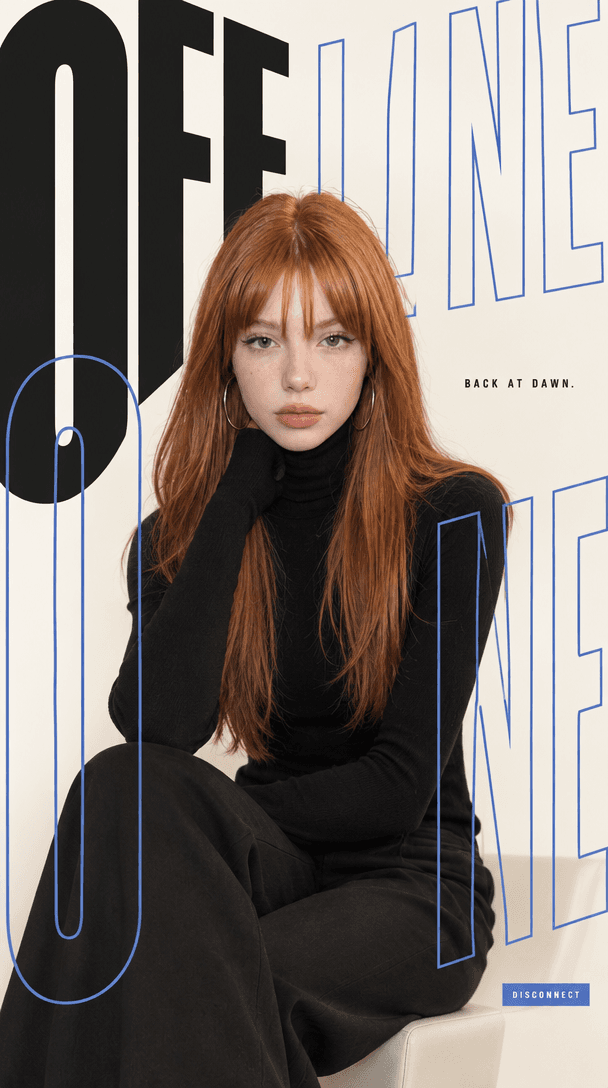
Type and subject poster
A fashion portrait where giant condensed type and the person share one space
Try it →Paper-cut city poster
A layered paper diorama of a city, old and new in one landscape, with sticker borders if you like
Try it →Swiss letter city poster
One giant letter holds a flat illustration of the city; grid, negative space, one paragraph
Try it →Travel journal print
Your travel photo as a hand-painted screen-print page with a typewriter line
Try it →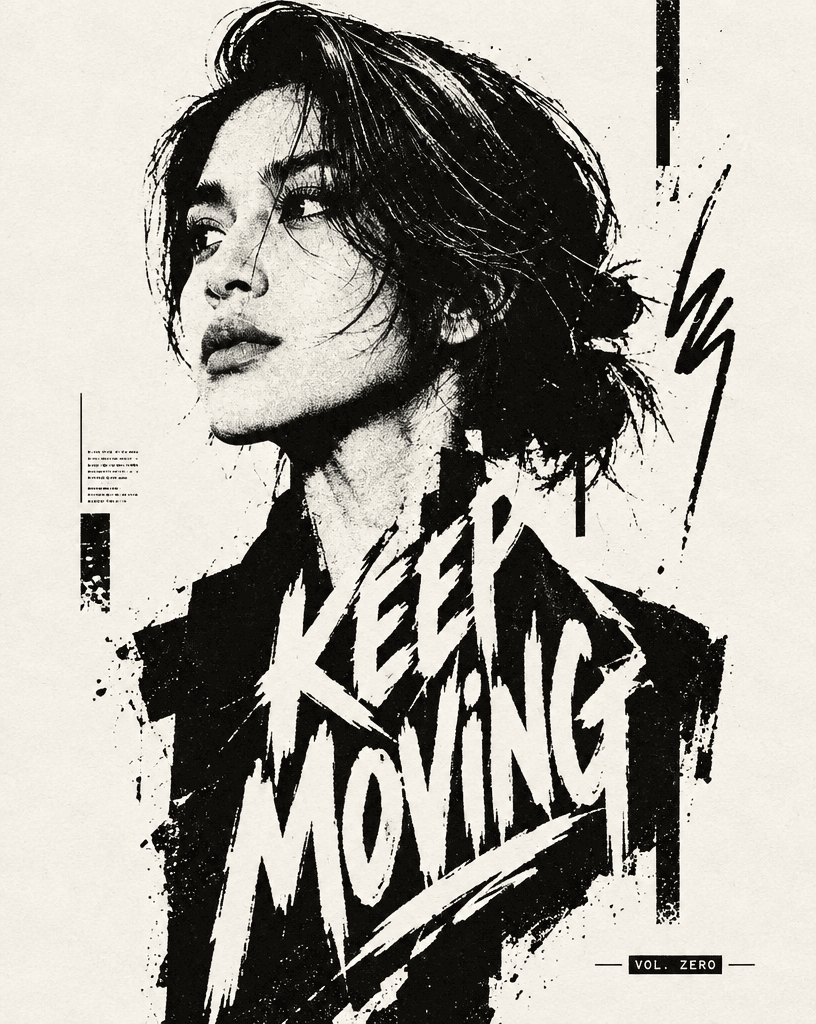
Ink silhouette poster
A black-and-white profile built from ink blocks, with a text block fused into the body
Try it →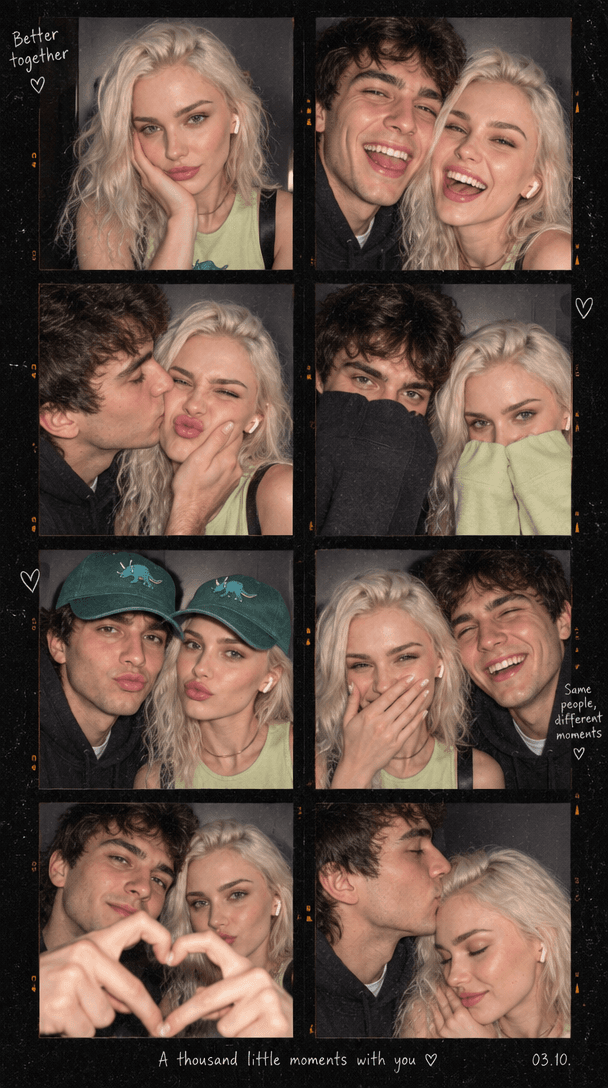
Photobooth strip
A 2×4 flash-lit photobooth contact sheet of one or two people, with handwritten notes
Try it →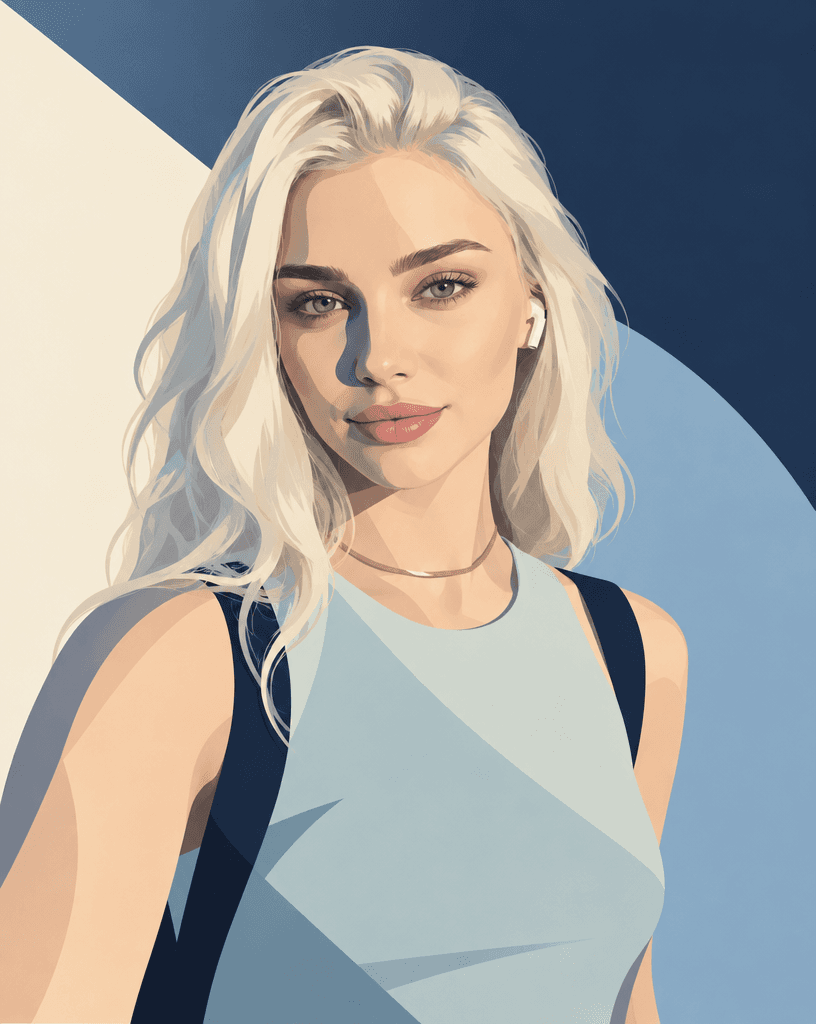
Art magazine cover portrait
Your portrait as a calm geometric cover illustration in one restrained palette
Try it →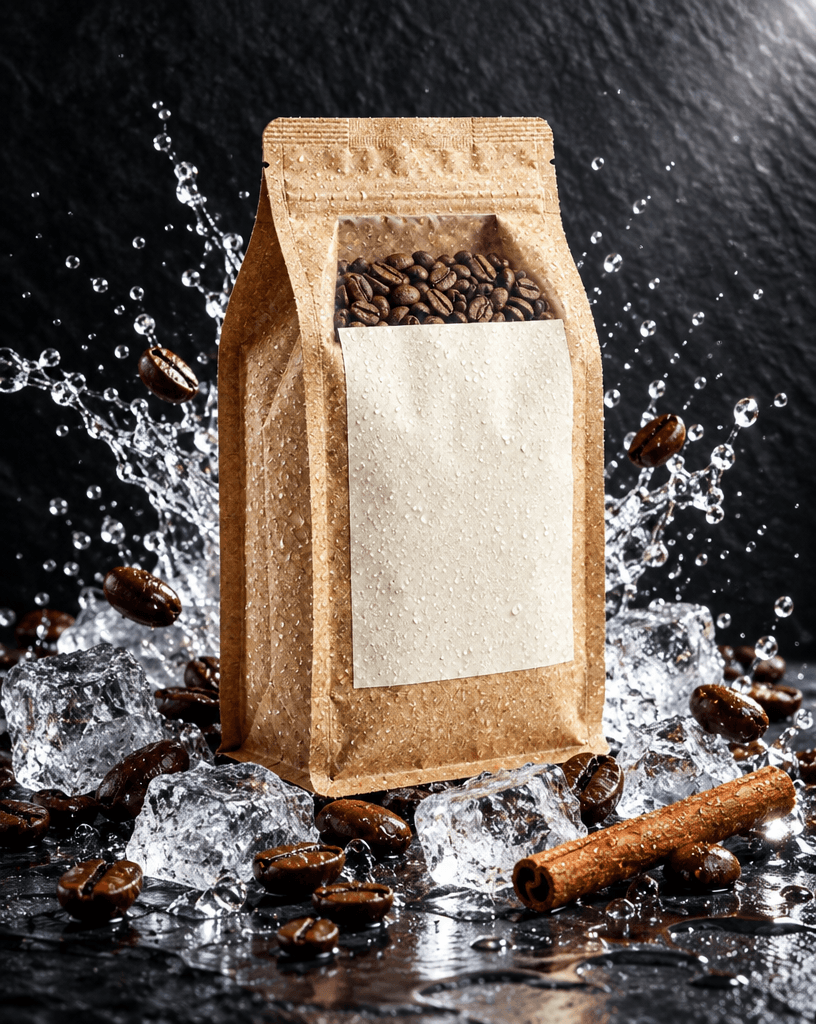
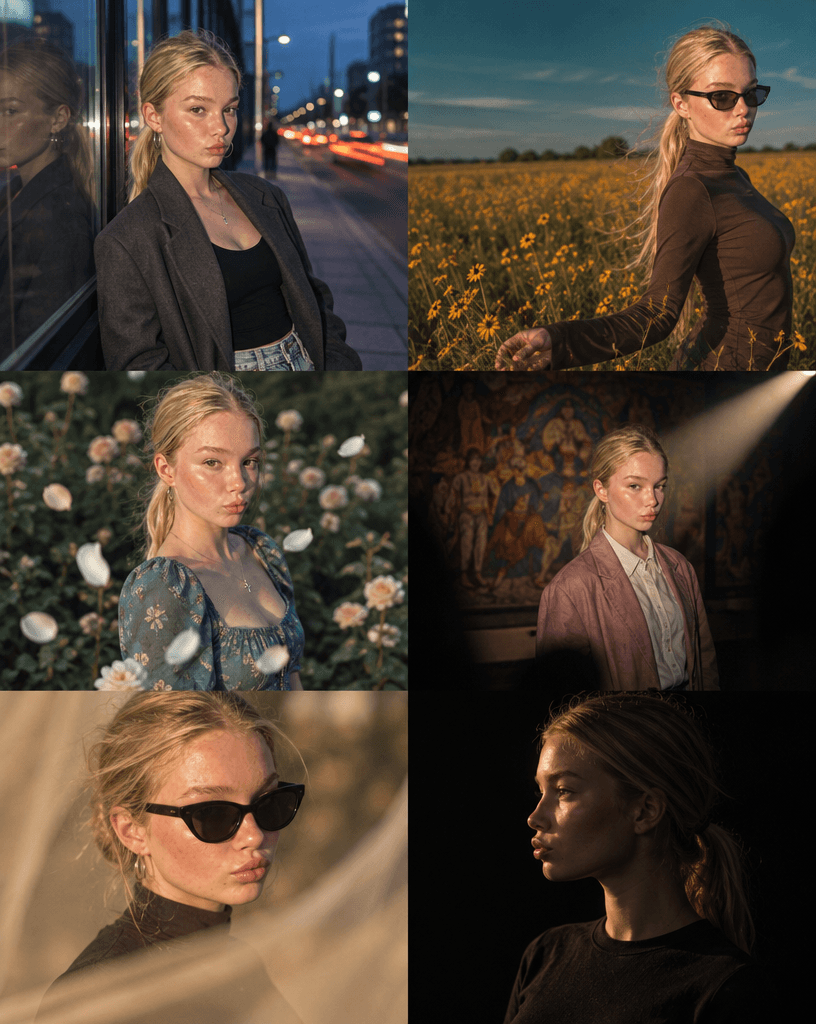
Editorial portrait scene
You in one of six magazine-grade scenes: blue-hour storefront, wildflower field, garden petals, spotlight, golden hour, chiaroscuro
Try it →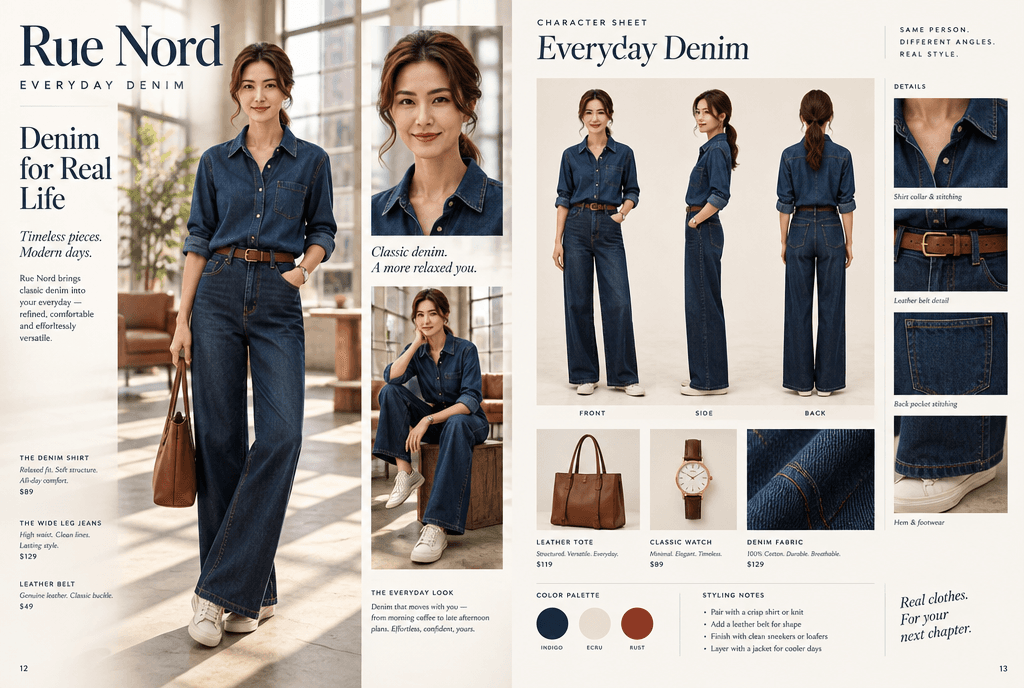
Fashion magazine spread
A double-page campaign spread or lookbook page for your own label, with real magazine grid and captions
Try it →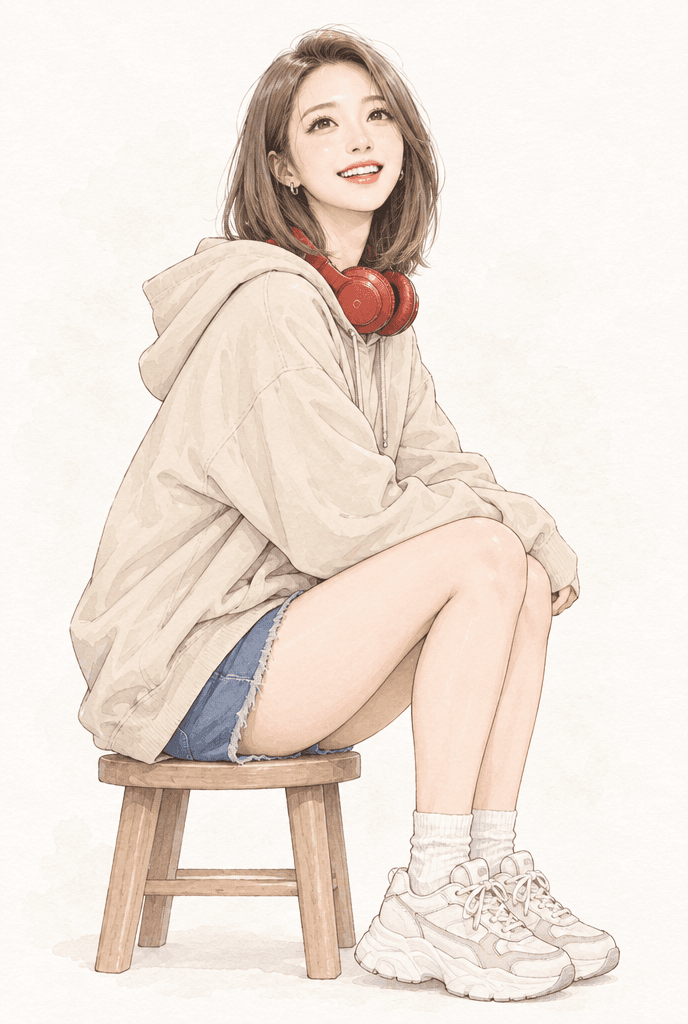
Anime illustration of you
A clean minimalist anime-style illustration from your photo, soft lines and watercolor texture
Try it →
Examples
Made with AvPad
Open any of them for the prompt, the model and the settings behind it.
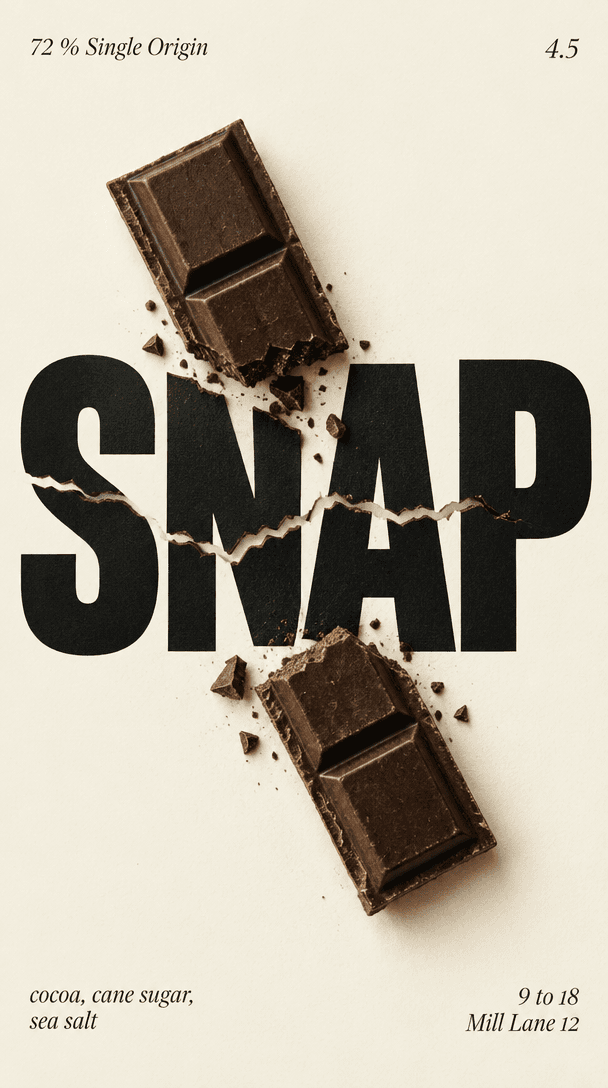
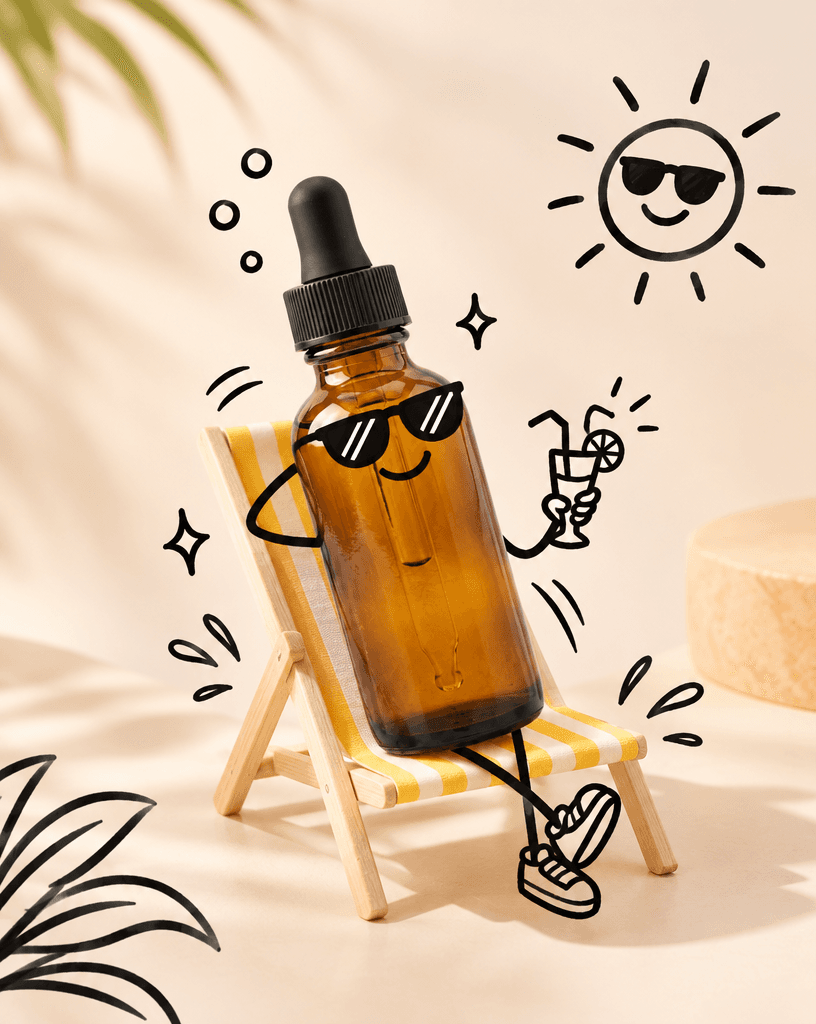
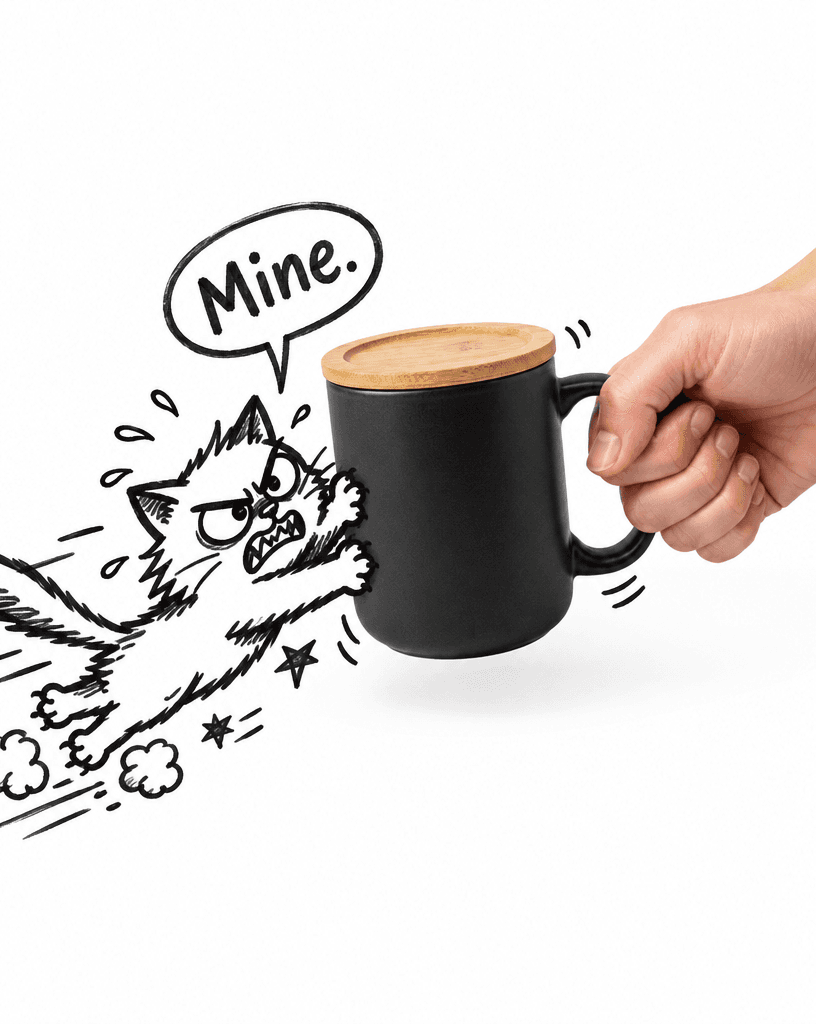
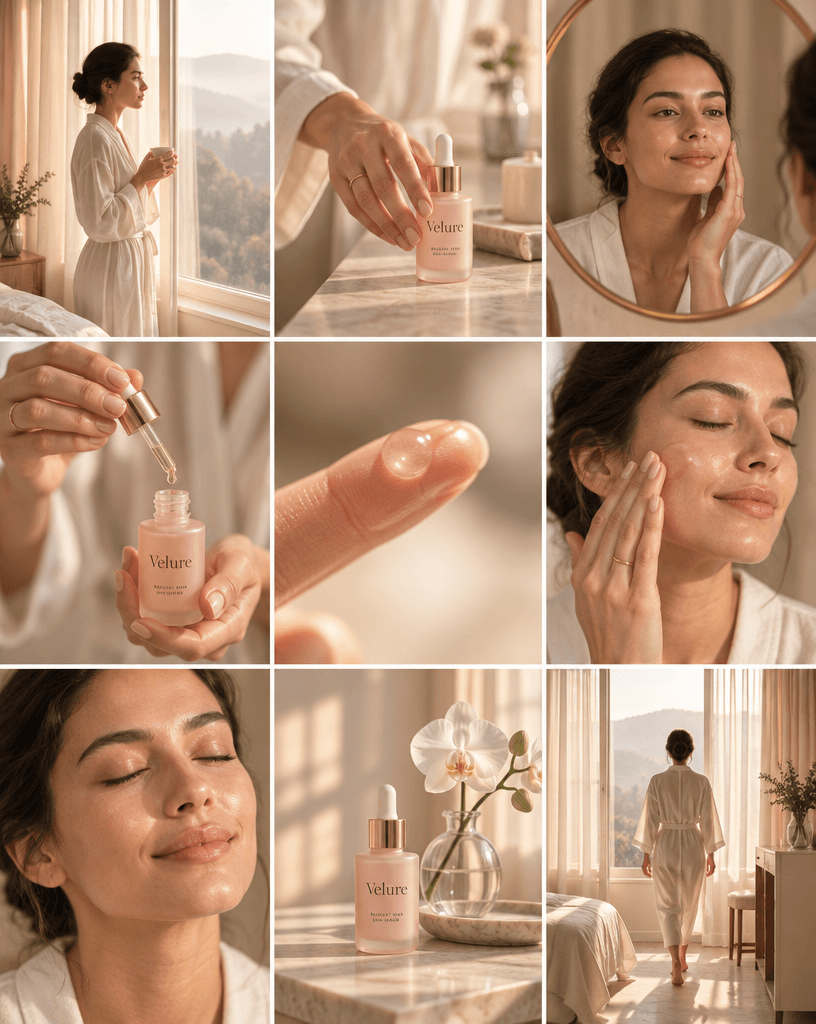
GPT Image 2.5Freeformfrom photoGPT Image 2.5Ink silhouette posterfrom photoGPT Image 2.5Photobooth stripfrom photoGPT Image 2.5Splash product adfrom photoGPT Image 2.5Fashion magazine spreadGPT Image 2.5Beauty campaign gridfrom photoGPT Image 2.5Product tug doodleGPT Image 2.5Food and type poster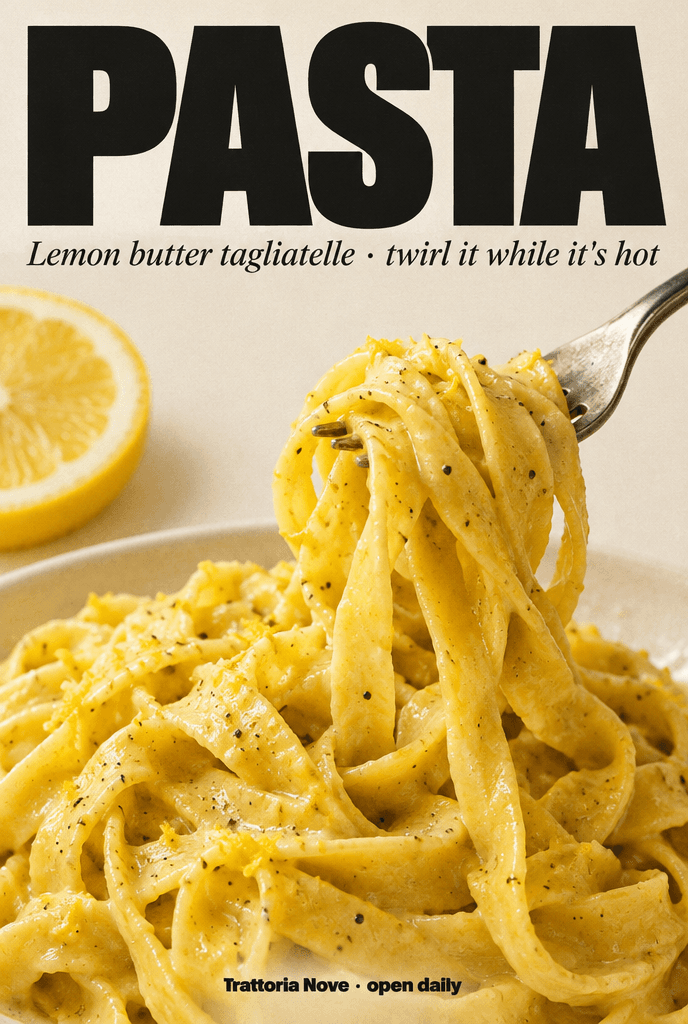 GPT Image 2.5PosterGPT Image 2.5Freeformfrom photoGPT Image 2.5Anime illustration of youfrom photoGPT Image 2.5Splash product adGPT Image 2.5Beauty campaign gridfrom photoGPT Image 2.5Doodle product adGPT Image 2.5PosterGPT Image 2.5Freeformfrom photoGPT Image 2.5Photobooth stripGPT Image 2.5Beauty campaign gridGPT Image 2.5Food and type posterfrom photoGPT Image 2.5Type and subject posterfrom photoGPT Image 2.5Editorial portrait scenefrom photoGPT Image 2.5Product tug doodleGPT Image 2.5City line-art poster
Pricing
Pay for what you create
Buy a pack of credits once and spend it on any model. No subscription.
Starter
Great for trying out
€15one-time
incl. VAT
- 70 credits
- Up to 70 images at 1K
- €0.21 per credit
- Works with every model and tool
- Credits never expire
PopularPopular
For regular use
€35one-time
incl. VAT
- 200 credits
- Up to 200 images at 1K
- €0.18 per credit
- Works with every model and tool
- Credits never expire
Pro
Best price per credit
€85one-time
incl. VAT
- 550 credits
- Up to 550 images at 1K
- €0.15 per credit
- Works with every model and tool
- Credits never expire
Nano Banana Pro and GPT Image 2.5 Sunburst use 3 credits per image at 1K. 2K images cost more credits: every price is in the FAQ. If a generation fails, its credits are refunded. Every new account starts with 10 free credits.
FAQ
Frequently asked questions
What can I make with AvPad?
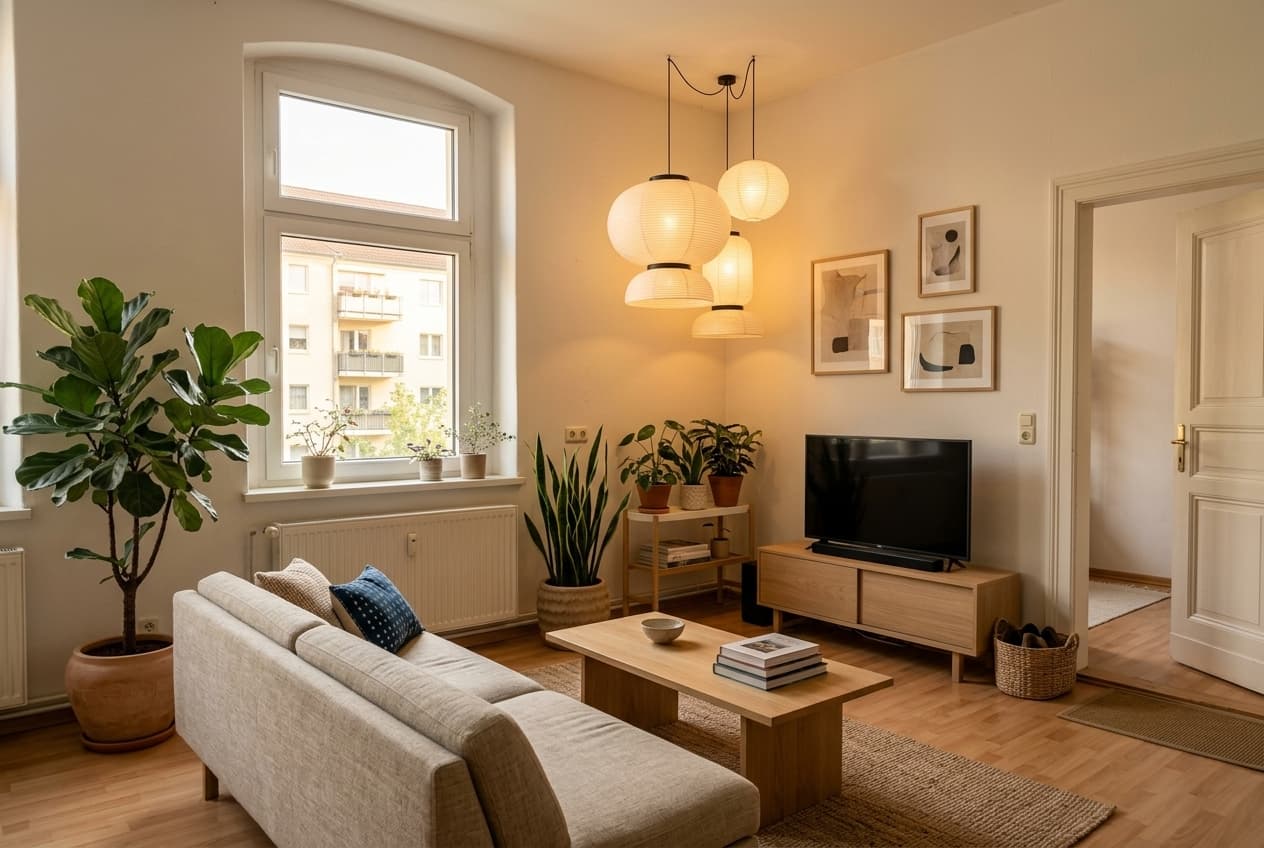
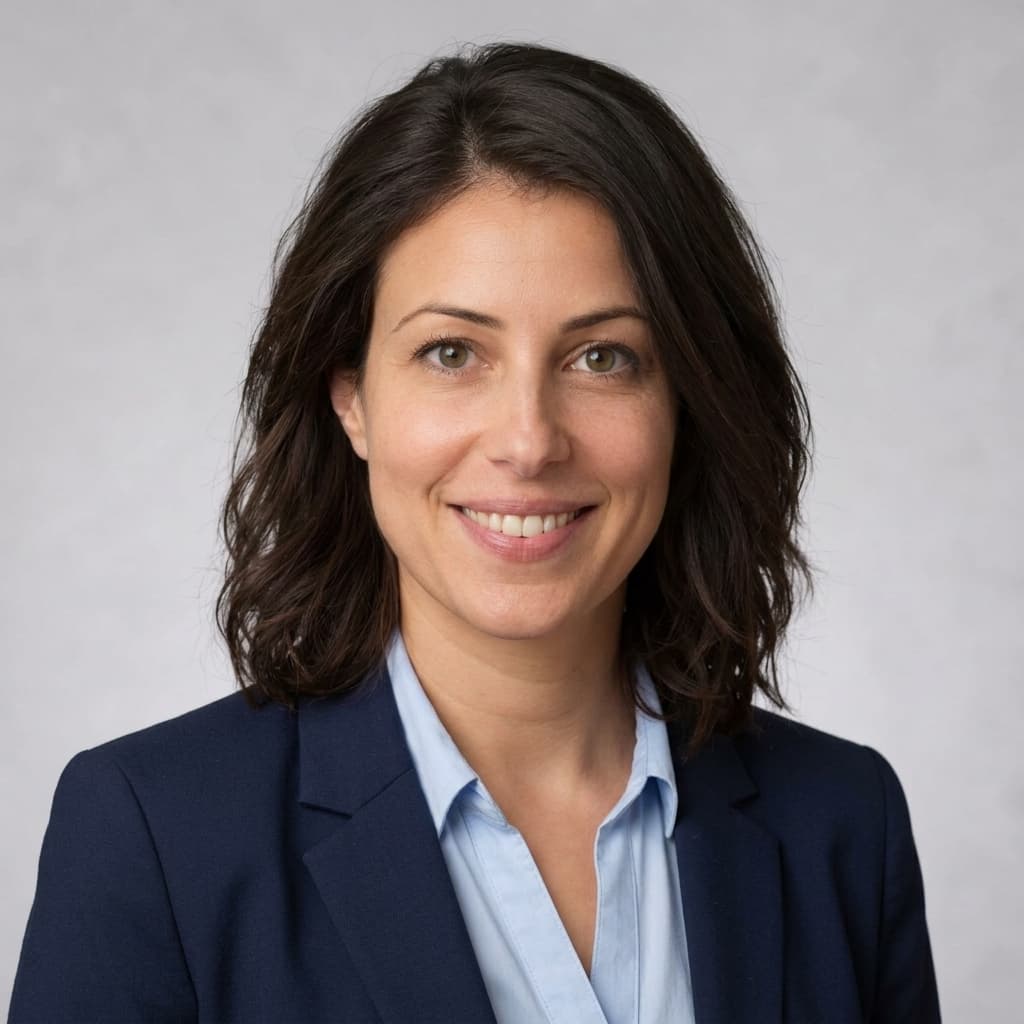
Anything you can describe: product photos, headshots, posters, flyers, logos, book covers, room makeovers and freeform images. Start from a prompt or a template, edit a photo you already have, or turn a rough sketch into a finished image.
How do credits work?
What an image costs depends on the model and the resolution you pick, and the Generate button shows the price before anything runs. At 1K, about 1024 px on the long edge for screens and drafts: 1 credit with Nano Banana 2 Lite, Nano Banana 2.1, Nano Banana 2, GPT Image 2.5 Flare, Qwen Image 3, and Seedream 5 Pro, and 3 credits with Nano Banana Pro and GPT Image 2.5 Sunburst. At 2K, about 2048 px for print and detail: 3 credits with Nano Banana 2.1, Nano Banana 2, GPT Image 2.5 Flare, and Seedream 5 Pro, and 5 credits with Nano Banana Pro and GPT Image 2.5 Sunburst. Nano Banana 2 Lite and Qwen Image 3 render 1K only. You buy credits in one-time packs, without a subscription, and a generation that fails gives its credits back.
| Model | 1K | 2K |
|---|---|---|
| Fast and affordable | ||
| Nano Banana 2 Lite | 1 | not offered |
| Nano Banana 2.1 | 1 | 3 |
| Nano Banana 2 | 1 | 3 |
| GPT Image 2.5 Flare | 1 | 3 |
| Qwen Image 3 | 1 | not offered |
| Highest quality | ||
| Seedream 5 Pro | 1 | 3 |
| Nano Banana Pro | 3 | 5 |
| GPT Image 2.5 Sunburst | 3 | 5 |
Can I try AvPad for free?
Yes. Every new account starts with 10 free credits, enough for up to 10 images at 1K with a 1-credit model.
Which model should I choose?
Nano Banana 2.1 is a good place to start. The picker lists the fast and affordable models first, then those with the highest quality. Use Nano Banana 2 Lite for quick drafts, Qwen Image 3 for posters and logos with text, Nano Banana Pro for fine detail, Seedream 5 Pro to combine up to 10 pictures into one scene, and the GPT Image models for precise edits with a mask.
Can I edit photos I already have?
Yes. Upload a JPEG, PNG or WebP of up to 10 MB, then paint over the part to change, expand the photo beyond its edges or show the scene from another angle. Masks and Expand use the GPT Image models; Change angle works with every model.
Do I need to write good prompts?
No. The 9 templates ask for a few details, like a brand name or a setting, and write the prompt for you. You can still change it before you generate.
Start creating today.
Write a prompt or pick a template. New accounts start with 10 free credits.
Join the waitlist