Combine two images into one
Putting one picture inside another is not a setting you can tick — it is a description. AvPad's Compose template takes up to six images and one line about what they should become.
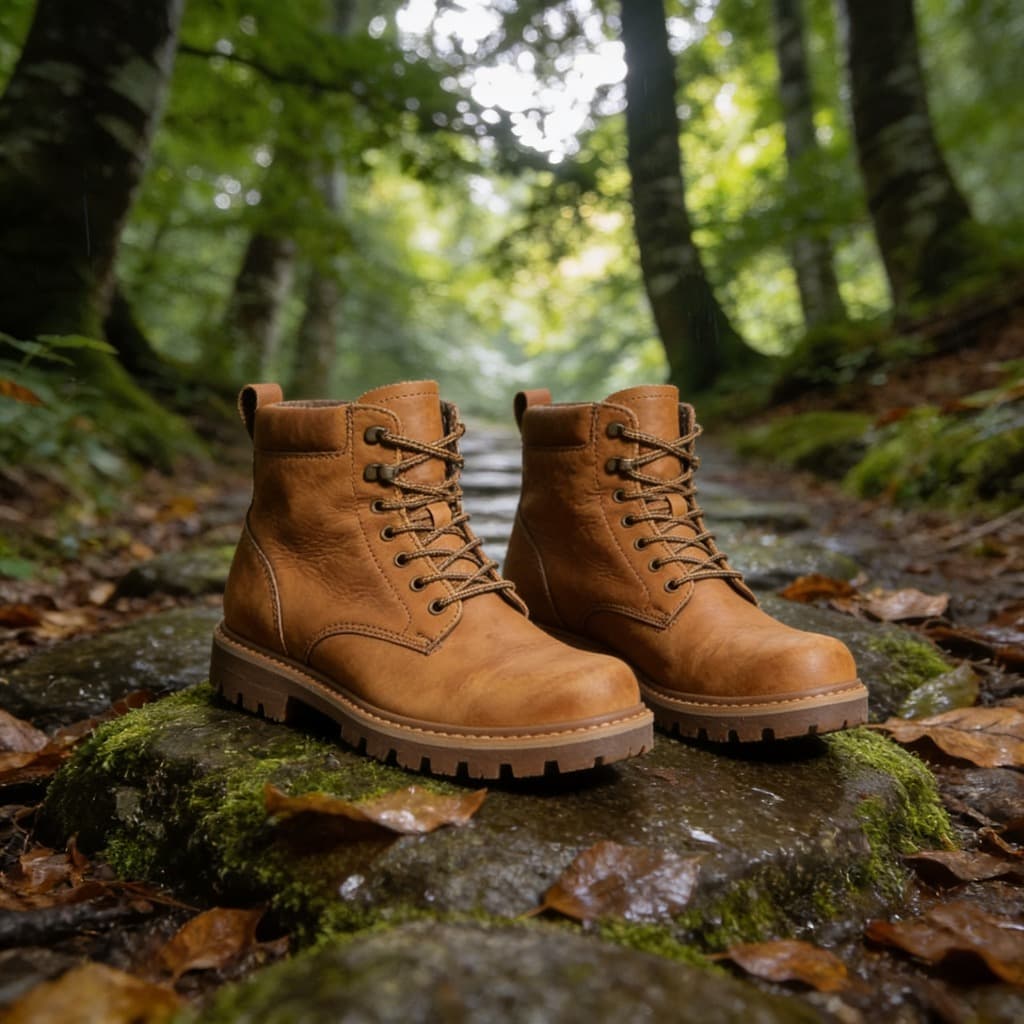
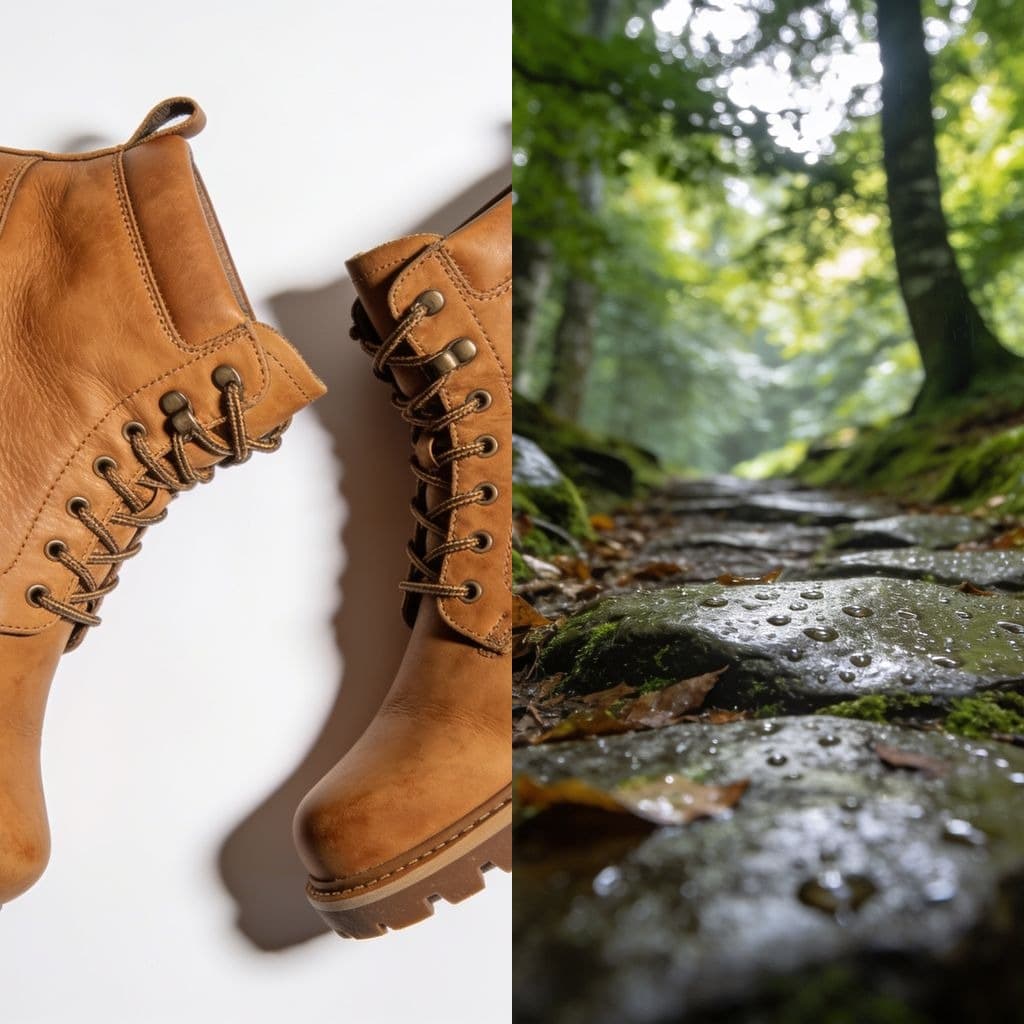
This one lives in the studio
Putting two pictures into one is not a setting — it is a sentence. Which picture is the scene, which is the thing being put into it, and how the light should meet in the middle. That is the Compose template, and it takes up to six images at once.
- 1. Open Compose and drop your pictures in, up to six.
- 2. Say in one line what the combined picture should be.
- 3. Generate, then edit, expand or enhance the result like any other.
Common questions
- Why is there nothing to drop here?
- Because combining pictures needs to know what you meant. Which one is the scene, which one is the thing going into it, and where the light comes from are all part of the instruction, and there is no dial for that. Compose asks for the sentence and does the rest.
- How many pictures can go in?
- Up to six at once. One of them can be the main image — the scene everything else joins — and the rest are references the model reads for the thing, the style or the colour.
- Do I need an account?
- Yes, because a generation costs credits and credits belong to an account. Signing up is free and comes with enough credits to try it properly.
- What if I only want them side by side?
- That is a collage rather than a composition, and no model is needed for it. Crop each picture to the same shape with the cropper and put them together in whatever you are writing.
More tools
- Image resizerSet a width or a height, or pick a ready-made size for Instagram, LinkedIn and YouTube.
- Image cropperDrag a crop box, or lock it to a square, 16:9 or a story format.
- Image converterJPG, PNG and WebP, in any direction, with HEIC and AVIF read as well.
- Image compressorMove the quality slider and see the file size before and after.
- HEIC to JPGTurn iPhone photos into a JPG that opens everywhere.
- HEIC to PNGTurn iPhone photos into PNG, with every pixel kept as it is.
- Image upscalerMake a small picture larger without it going soft.
- Background removerCut the subject out and keep real transparency.
- Old photo restorationTake out scratches, creases and dust.
- Photo colorizerPut colour into a black and white photograph.
- Object removerPaint over something and have it taken out.