Upscale an image online
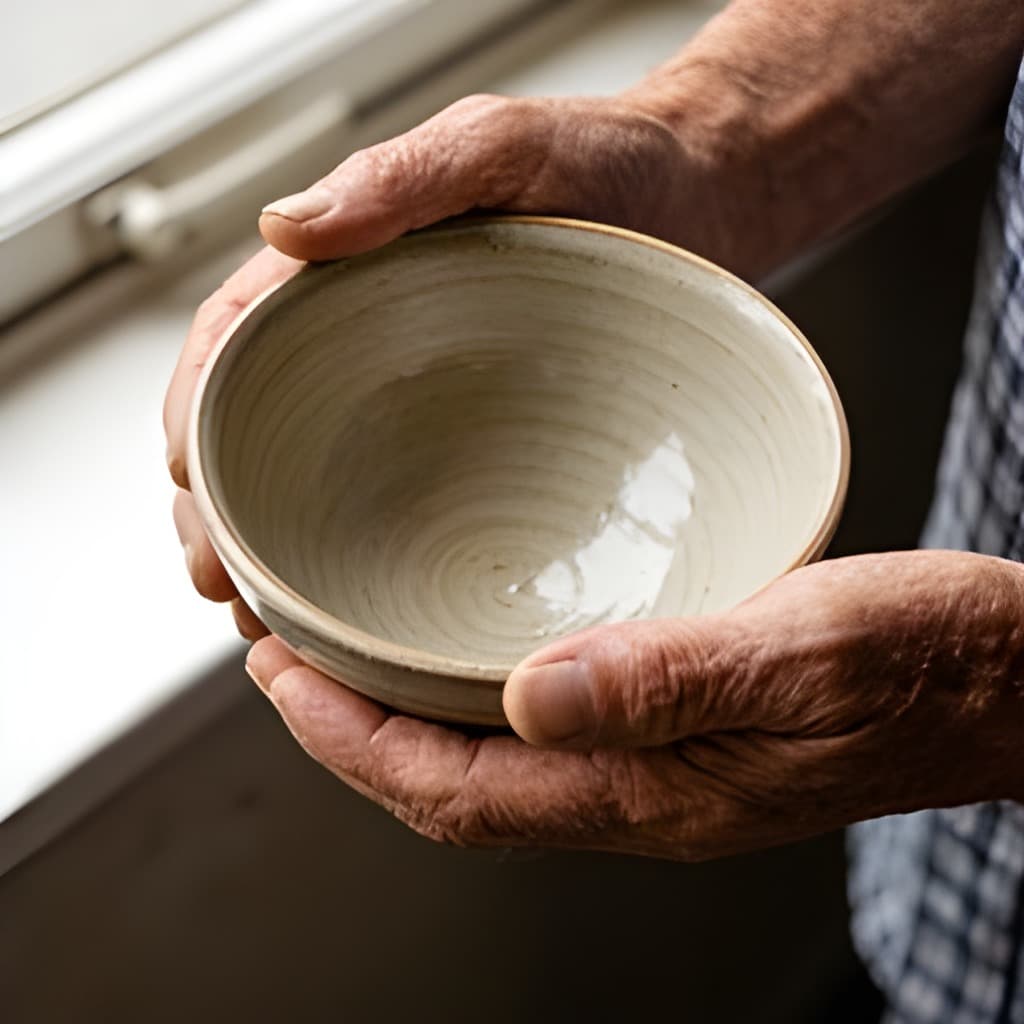
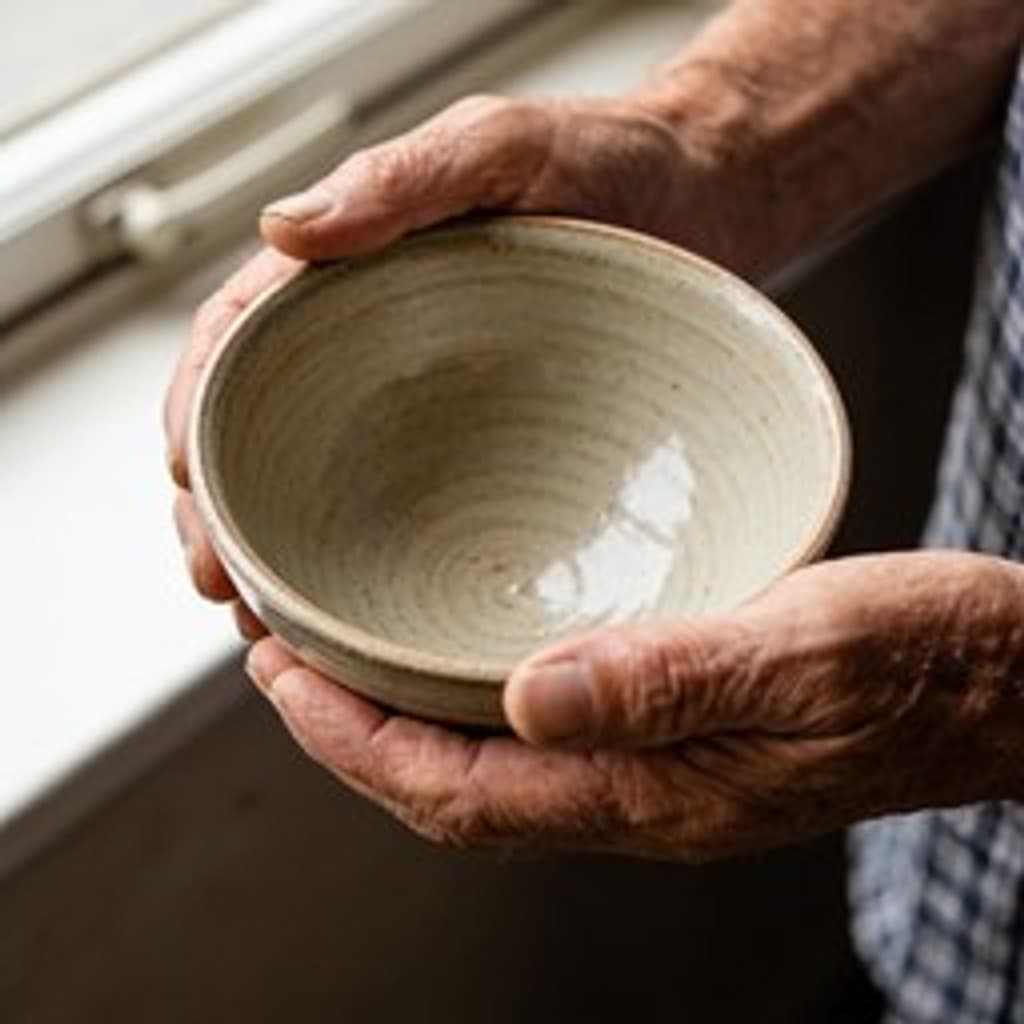
Drop in a small or soft picture and get it back at twice or four times the size, with the detail worked back in rather than smeared across the new pixels.
Common questions
- How does this differ from resizing?
- Resizing spreads the pixels you already have over a larger area, which is why an enlarged photo looks soft. This runs a model that has seen a great many photographs and puts back the edges, textures and fine detail that were never in the small file. For making a picture smaller, the resizer is the right tool and costs nothing to run.
- How large can the result be?
- Up to 16 megapixels. If your photo is already big enough that 4× would go past that, the factor is brought down to 2× and the page says so before and after the run — you are never charged for a size the model would have refused.
- Is it really free?
- Five images a day without an account. The runs cost us money at the model provider, which is what the limit is for. A free account lifts it and you pay in credits instead, one per image.
- What comes back?
- A PNG, because that is what the model writes and re-encoding it to JPEG would throw away part of what you came for. Use the converter afterwards if you need something smaller.
More tools
- Background removerCut the subject out and keep real transparency.
- Old photo restorationTake out scratches, creases and dust.
- Photo colorizerPut colour into a black and white photograph.
- Object removerPaint over something and have it taken out.
- Image resizerSet a width or a height, or pick a ready-made size for Instagram, LinkedIn and YouTube.
- Image cropperDrag a crop box, or lock it to a square, 16:9 or a story format.
- Image converterJPG, PNG and WebP, in any direction, with HEIC and AVIF read as well.
- Image compressorMove the quality slider and see the file size before and after.
- HEIC to JPGTurn iPhone photos into a JPG that opens everywhere.
- HEIC to PNGTurn iPhone photos into PNG, with every pixel kept as it is.
- Image combinerPut two pictures into one scene.