Remove an image background
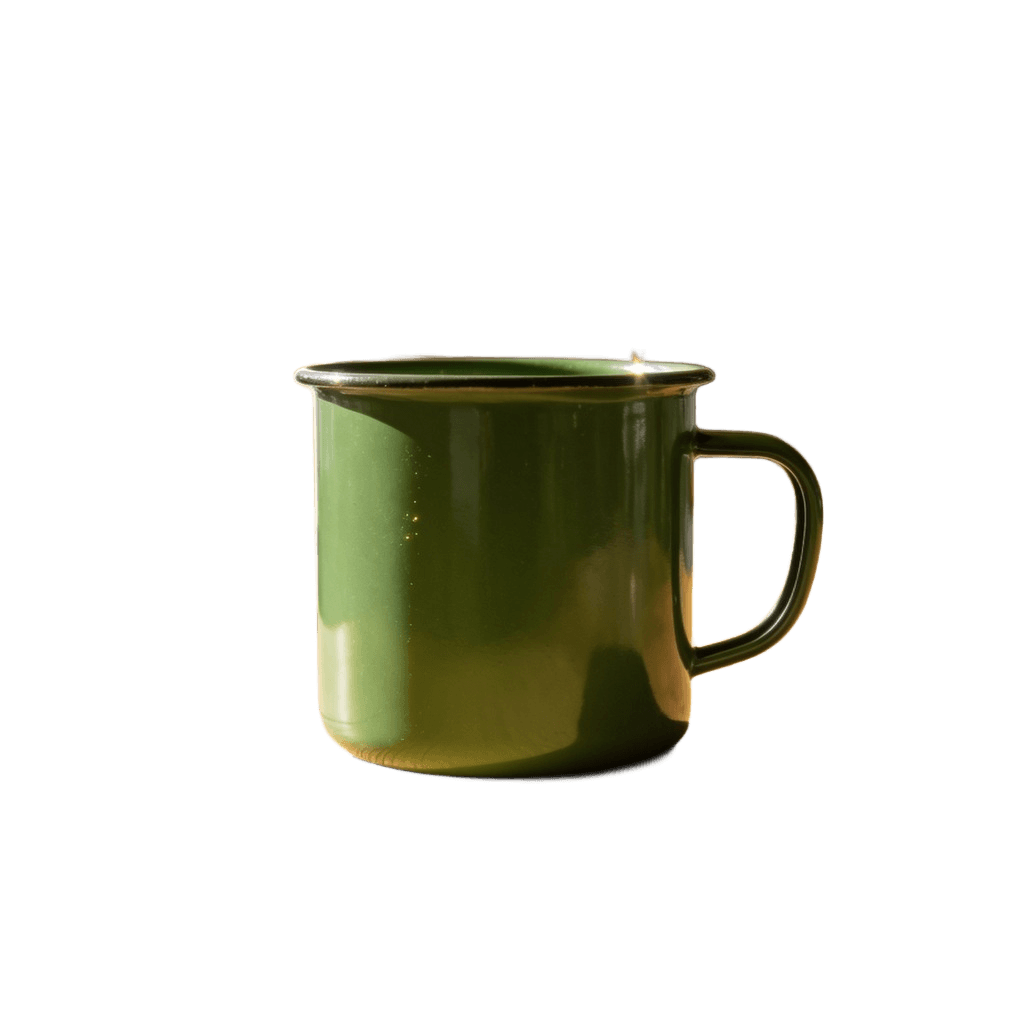
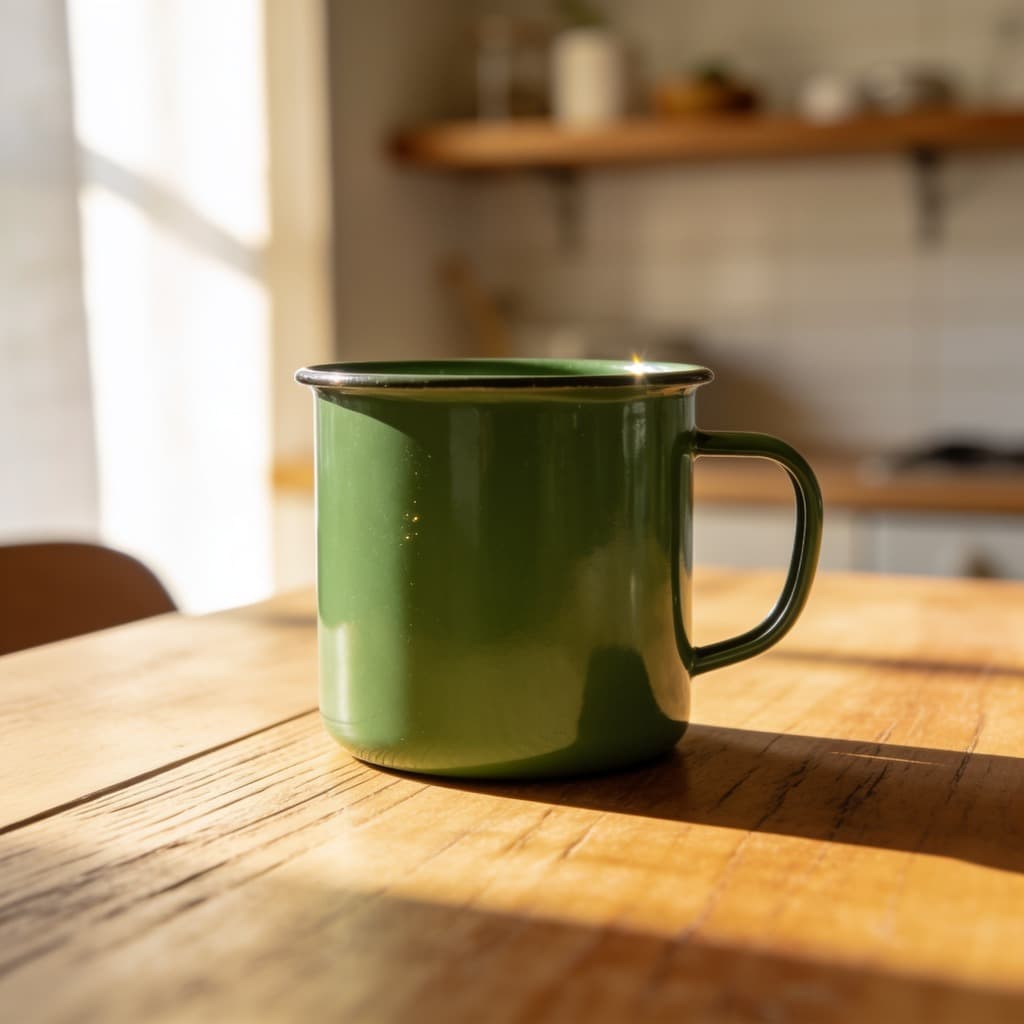
Drop a photo in and get the subject back on nothing at all — a PNG with a real alpha channel, ready to sit on any colour, any page or any other picture.
Common questions
- Is the background really transparent?
- Yes. The result is a PNG with an alpha channel, not a subject pasted onto white. Open it over a coloured slide or a dark page and the edges still hold.
- What about hair and fur?
- The model works at the pixel level rather than tracing an outline, so fine edges come out far better than a manual selection would. Backlit hair against a busy background is still the hard case; a plain wall behind the subject makes any cut-out easier.
- How many can I do?
- Five a day with no account. Signing in lifts the limit and each image costs one credit.
- Can I get a JPEG?
- Not from here: a JPEG cannot carry transparency, so it would put the background back as white. Run the PNG through the converter if you want one.
More tools
- Image upscalerMake a small picture larger without it going soft.
- Old photo restorationTake out scratches, creases and dust.
- Photo colorizerPut colour into a black and white photograph.
- Object removerPaint over something and have it taken out.
- Image resizerSet a width or a height, or pick a ready-made size for Instagram, LinkedIn and YouTube.
- Image cropperDrag a crop box, or lock it to a square, 16:9 or a story format.
- Image converterJPG, PNG and WebP, in any direction, with HEIC and AVIF read as well.
- Image compressorMove the quality slider and see the file size before and after.
- HEIC to JPGTurn iPhone photos into a JPG that opens everywhere.
- HEIC to PNGTurn iPhone photos into PNG, with every pixel kept as it is.
- Image combinerPut two pictures into one scene.